 Chat on WhatsApp
LED TV Stuck on Logo or Keeps Restarting? How to Fix It by Reloading the Firmware
Why an LED or smart TV sticks on the logo or restarts in a loop, what to try first, how to reload the firmware by USB or programmer, and when the board itself has failed.
2 min readBy the module.pk team
Browse all 252 TV Software & Firmware
A TV that shows its logo and goes no further, or shows the logo, switches off and starts again in a loop, almost always has a software problem: the firmware in the board's memory chip has been corrupted. A power cut or voltage spike while the TV was on, a failed update or a worn out memory chip are the usual causes.
The good news is that reloading the right firmware fixes most of these TVs in minutes. This page shows what to try first, how to reload the software, and how to tell when the board itself has failed.
Try these first
If the TV still sticks on the logo, the firmware needs reloading.
- Unplug the TV for five minutes, then plug it back in. This clears a board that only hung.
- Remove everything plugged into the TV: USB sticks and drives, HDMI devices and the aerial. A faulty USB drive can stop some boards starting.
- On an Android TV, try the recovery menu if your model has one, and run a factory reset or wipe data from there.
Reload the firmware
Read our firmware burning dos and don'ts first: a second power cut during the reload makes things worse.
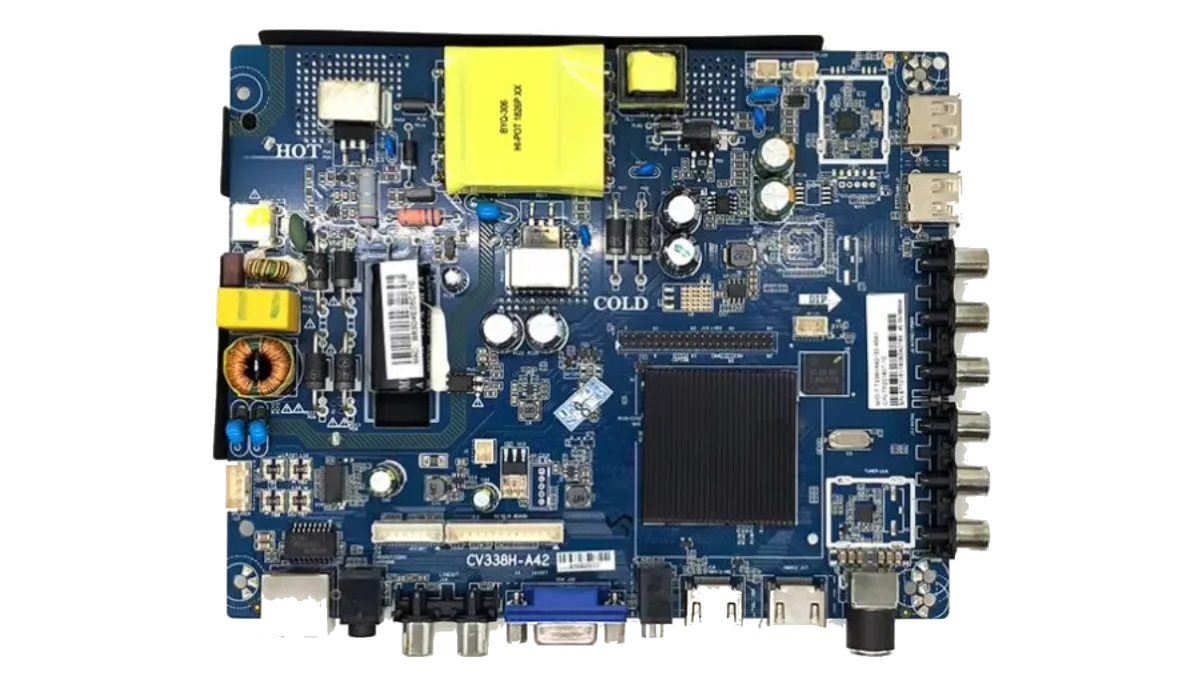
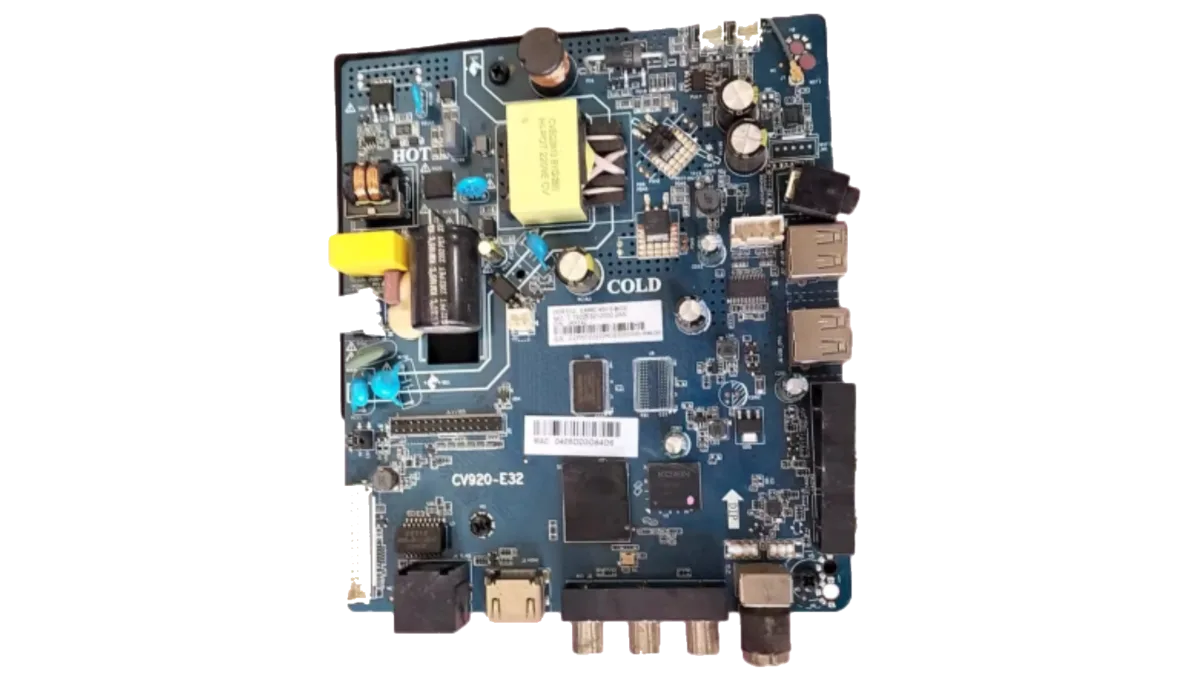
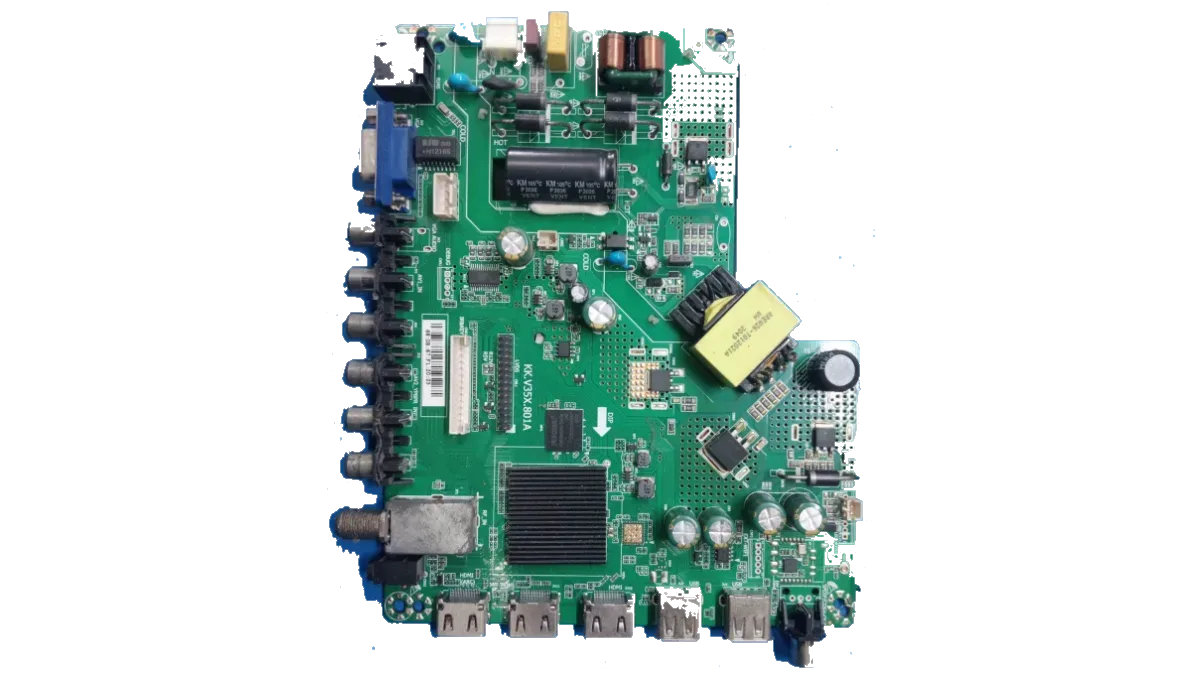
- Find the board number on the main board inside the TV, and the screen resolution on the panel sticker.
- Find the file in our TV software catalogue or in our list of every free TV firmware file.
- If the board's file installs from USB, follow the USB steps in our burning guide. A board stuck on the logo usually still reads a USB stick at power up.
- If USB does nothing, or the file is for a programmer, write the flash chip with an RT809H, after reading and saving what is on it.
When the firmware is not the problem
If the TV still sticks on the logo after the right file installs and verifies, the fault is in the hardware. On Android boards the eMMC memory wears out with age and stops holding software; the RAM or the power supply voltages to the board can also be at fault. A technician can test these, but on a cheap board a replacement TV motherboard is often the quicker fix.
- The logo shows but the backlight goes dark: suspect the backlight or its driver, not the software.
- No logo at all and the standby light is off: suspect the power supply.
- The logo shows with sound but no picture: check the panel and the LVDS cable.
Frequently asked questions
Why is my LED TV stuck on the logo?
Usually the firmware in the board's memory chip is corrupted, often after a power cut or a failed update. Reloading the right software fixes most of these TVs.
Can I fix a TV stuck on the logo myself?
Often, yes. If the board still reads a USB stick, a USB update with the right file is enough. Boards that no longer read USB need a programmer such as the RT809H.
Will a factory reset fix a boot loop?
On Android TVs a reset from the recovery menu sometimes does. If it does not, the firmware needs reloading.