 Chat on WhatsApp
TV Firmware Burning Dos and Don'ts: Flash a TV Board Without Damaging the Board or the Panel
What to check before you flash LED TV board software, what never to do while burning, panel voltage on universal boards, programmer safety, and how to fix a bad install.
4 min readBy the module.pk team
Browse all 252 TV Software & Firmware
Most failed firmware jobs come down to a handful of mistakes: the wrong file, a power cut halfway through, a chip written without a backup, or a universal board powered up with the wrong panel voltage. This page lists what to do and what never to do, so a ten minute job stays a ten minute job.
Find your file on our TV software catalogue or in our list of every free TV firmware file, and follow our burning guide for the steps.
Do these before you burn
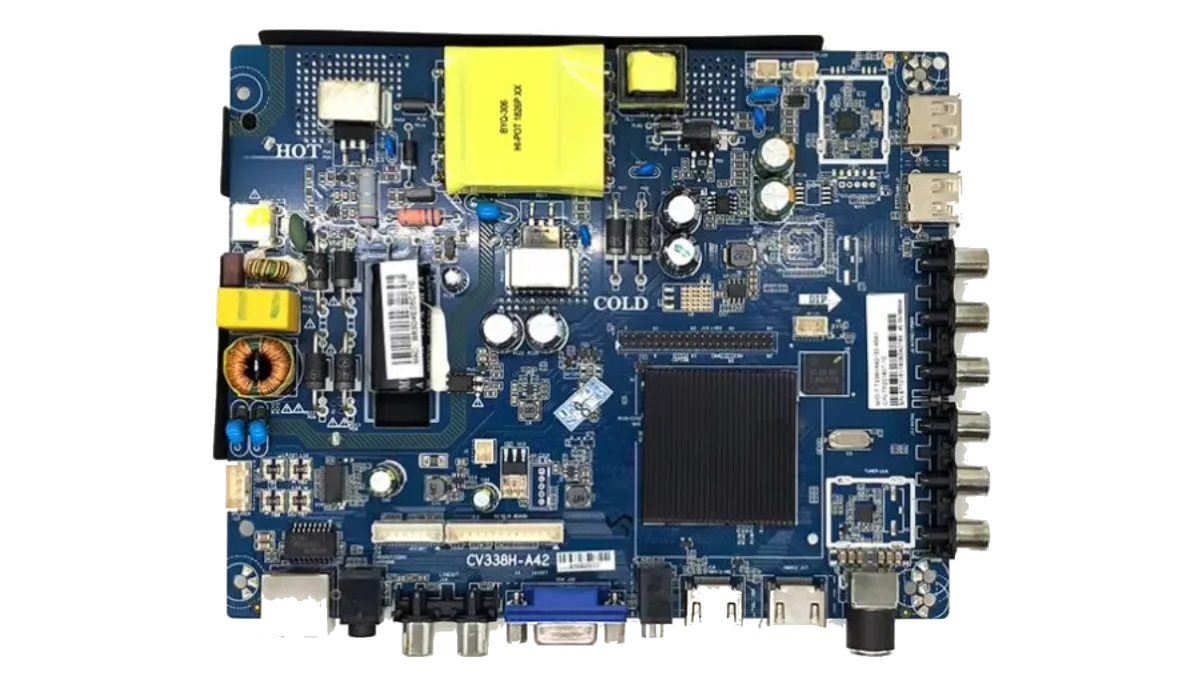
- Match the board number exactly, from the print on the board itself, not from the TV's box or a guess from its size. CV338H-A42 and CV338H-A32 are different boards.
- Match the screen resolution on the panel sticker. A 1366x768 file on a 1920x1080 panel gives lines or a broken picture.
- Match the RAM and ROM on Android boards, because Android firmware is built for one memory size.
- Note the remote the TV uses, since many boards have one file per remote.
- Back up the original software with a programmer before writing anything, whenever you can. Save it with the board number in the file name and keep it.
- Use steady power. Plug the TV into a UPS or a socket you trust; a power cut halfway through a burn is the most common way to kill a board.
- Use a small USB stick formatted FAT32, 8 GB or smaller, with the file in the main folder and its name unchanged.
- Read the board's page on module.pk to the end: it says the install method, the factory menu code and anything special about that board.
Never do these
- Never switch off or unplug the TV while it installs, even if it seems stuck. Wait at least ten minutes.
- Never rename the file, unzip it into a folder, or put several boards' files on one stick.
- Never put Android firmware on a non Android board, or a file for one RAM size on another.
- Never connect a programmer to a powered board. Unplug the TV first.
- Never write a chip without reading and saving it first, and never skip Verify after writing.
- Never write a 1.8 volt chip at 3.3 volts. Use a 1.8 V adapter.
- Never press buttons on the remote or the TV while it installs.
- Never use a USB hub or an extension cable for a USB update; put the stick straight into the TV.
Universal boards: set the panel voltage first
Many universal boards have a jumper or switch for the panel's supply voltage, usually 3.3 V, 5 V or 12 V, chosen to suit the panel's T-con board. Firmware does not change it. If it is set too high, the T-con or the panel can be damaged the moment the TV is switched on, and no software can fix that.
Before the first power up after fitting a universal board, check the panel's datasheet or T-con label, set the jumper to match, and connect the LVDS cable the right way round.
Protect the board while you work
- Work on an anti static mat or touch a grounded metal part before you handle the board.
- Seat the SOIC8 clip carefully, with pin 1 on the chip's dot; a clip on the wrong way round can damage the chip.
- When desoldering a chip, use moderate hot air and protect nearby plastic parts.
- Keep the original firmware backup, the new file and a note of factory menu values together for every TV you repair.
After burning: check these
- The picture is the right way up, with no lines, split or doubled image.
- The colours and brightness look right, and the backlight comes on fully.
- The sound works on the speakers and on headphones or HDMI ARC if the TV has them.
- The remote works, including the power key from standby.
- Every input works: HDMI, USB, AV and the tuner.
- On Android boards, WiFi connects and apps open.
Common mistakes and the fix
| Mistake | What you see | The fix |
|---|---|---|
| Wrong screen resolution | Lines or a broken picture | Download the file for the resolution on the panel sticker. |
| Normal file on a flipped panel | Picture upside down | Download the Mirror version of the same screen. |
| Wrong remote version | Remote does nothing | Download the version for your remote. |
| Power cut during a USB update | TV does not start | Try USB again; if the board no longer reads it, write the chip with an RT809H. |
| NTFS or large USB stick | TV ignores the USB | Use a FAT32 stick of 8 GB or smaller. |
| Wrong panel voltage jumper | No picture, or a damaged T-con | Set the jumper to the panel's voltage before switching on. |
Frequently asked questions
Should I back up my TV's firmware before updating?
Yes, whenever you have a programmer. Read the chip and save the file before writing anything; it is the only way back to the original software.
What happens if the power goes off during a TV software update?
The board is often left unable to start. Try the USB update again; if it no longer reads the USB, the chip has to be written with a programmer such as the RT809H.
Can firmware damage the panel?
Firmware alone rarely does. The usual cause is a universal board's panel voltage jumper set too high, so always set it to the panel's voltage before switching on.