 Chat on WhatsApp
TV Repair Accessories: LVDS Cables, Universal LED Backlight Driver Boards and 2K to 4K Converters
A repairer's guide to LVDS cables (30 pin and 51 pin, 1ch and 2ch), universal constant current LED backlight inverter boards like CA-188, CA-288 and CA-399, T-con converters and keypads for LED TV repair.
3 min readBy the module.pk teamاردو میں پڑھیں ↓
Browse all 19 TV accessories
When an LED TV is repaired with a universal board, or when a cable or driver fails, the job usually needs a few small but essential TV repair accessories: an LVDS cable to connect the board to the panel, a universal LED backlight driver board to power the strips, sometimes a 2K to 4K converter, and a keypad with an IR sensor.
This guide explains what each one does and how to pick the right version. All of them are in our TV accessories category.
module.pk, the first in Pakistan to build a TV backlight catalogue, brings all TV repair support onto one platform, so the board, the backlight, the cables and the firmware for a repair can all come from one place.
What is an LVDS cable?
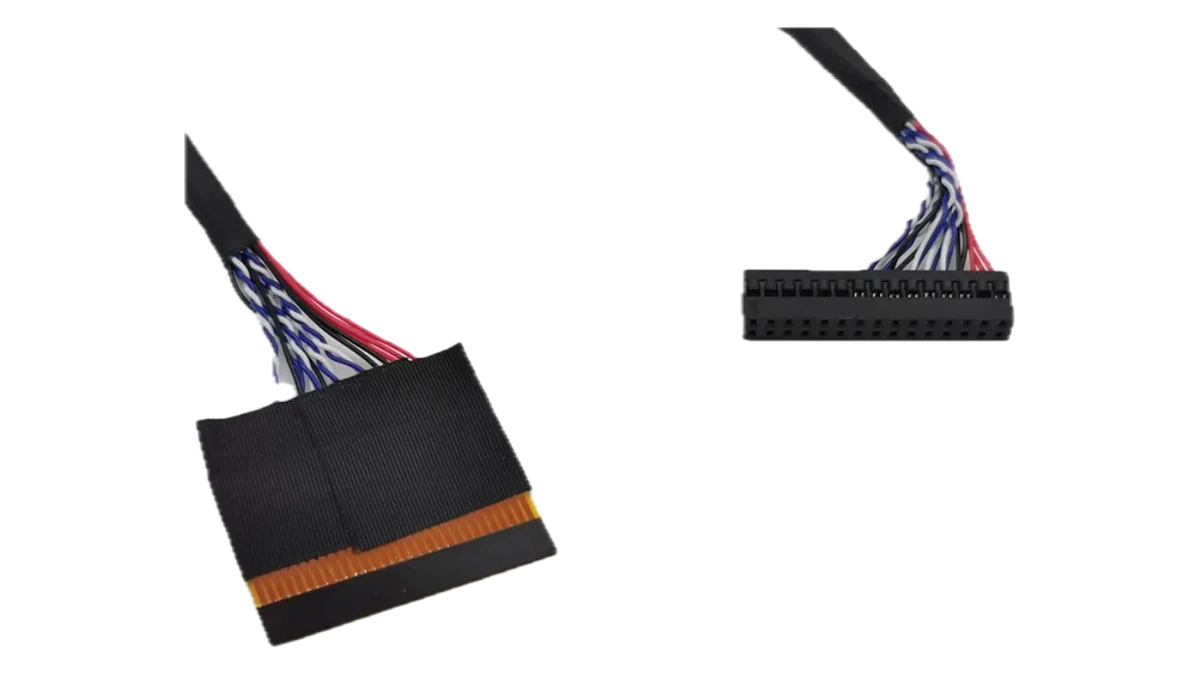
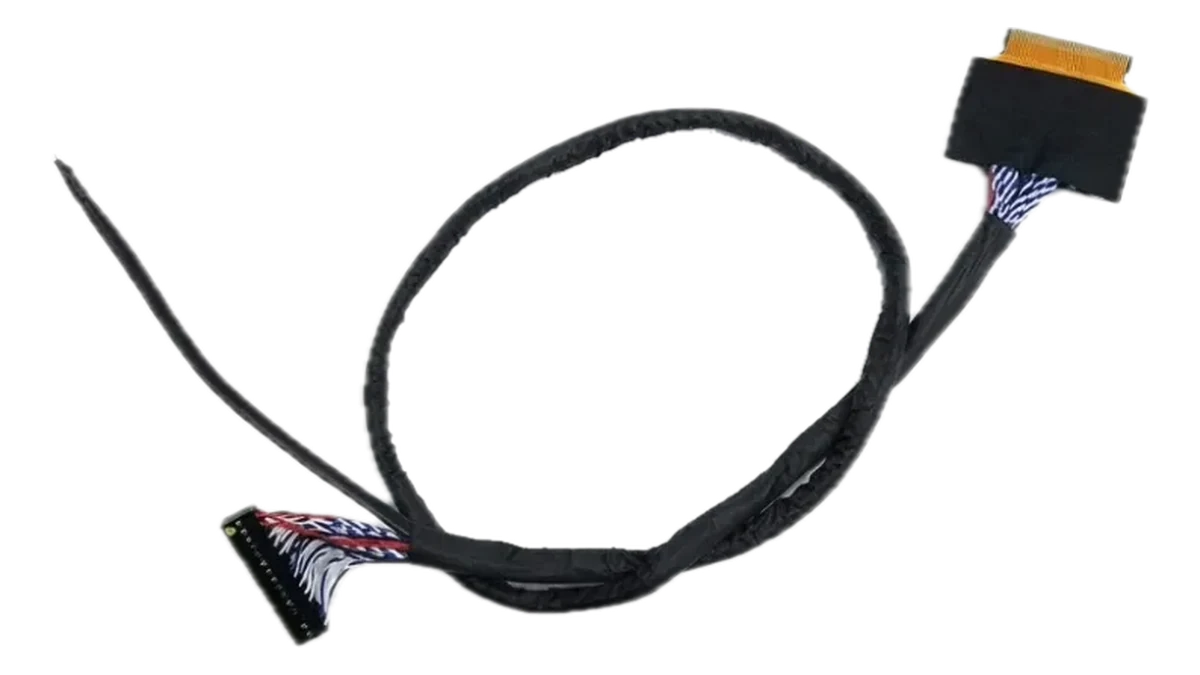
LVDS stands for Low Voltage Differential Signalling. The LVDS cable is the flat ribbon that carries the picture from the motherboard to the panel's T-con board. When it is damaged, loose or the wrong type, you get lines, flicker, wrong colours, a doubled picture or no picture at all.
LVDS cables are described by three things: the number of pins, the number of channels and the bit depth.
| Cable | Typical panel | Notes |
|---|---|---|
| 30 pin, 1ch 8 bit | HD 1366x768, 18.5 to 32 inch | The common cable for small and HD panels. |
| 30 pin, 2ch 8 bit | 17 to 27 inch and some 1366x768 panels | Dual channel version for panels that need it. |
| 51 pin, 2ch 8 bit | Full HD 1920x1080, 32 to 55 inch | Comes in LG type and Samsung type pin layouts. |
| 4K 51 pin | UHD panels | For 4K panel connections. |
| FPC to DuPont | Universal boards | Flat end for the panel, plug end for the board header. |
Universal LED backlight driver boards
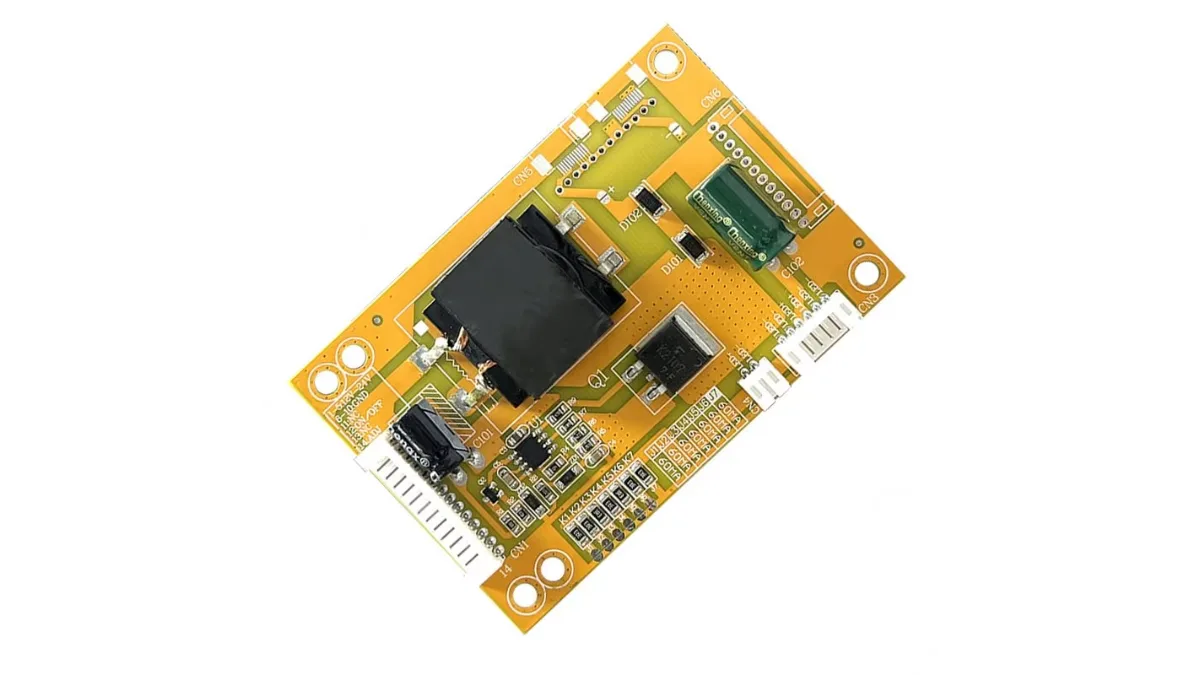
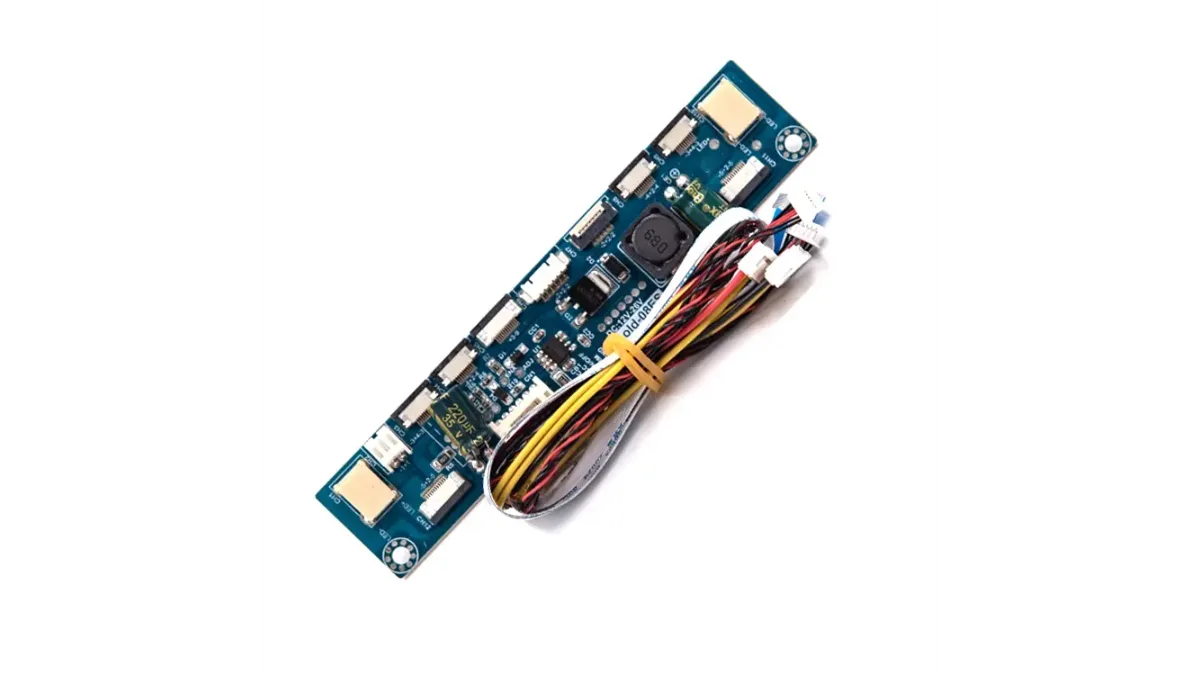
The LEDs in a TV need a constant current supply, not just a voltage. On many TVs that circuit lives on the power board, and when it fails the strips stay dark even though they are fine. A universal LED backlight inverter board replaces just that circuit. It takes a DC input from the TV's power supply and drives the strips at a set current, adjustable on most boards.
- CA-188: for 15 to 24 inch screens.
- CA-168: a step up driver for 32 inch screens.
- CA-255S: a wide range board for 10 to 48 inch.
- CA-288: for 26 to 55 inch screens.
- CA-399: for 26 to 50 inch screens.
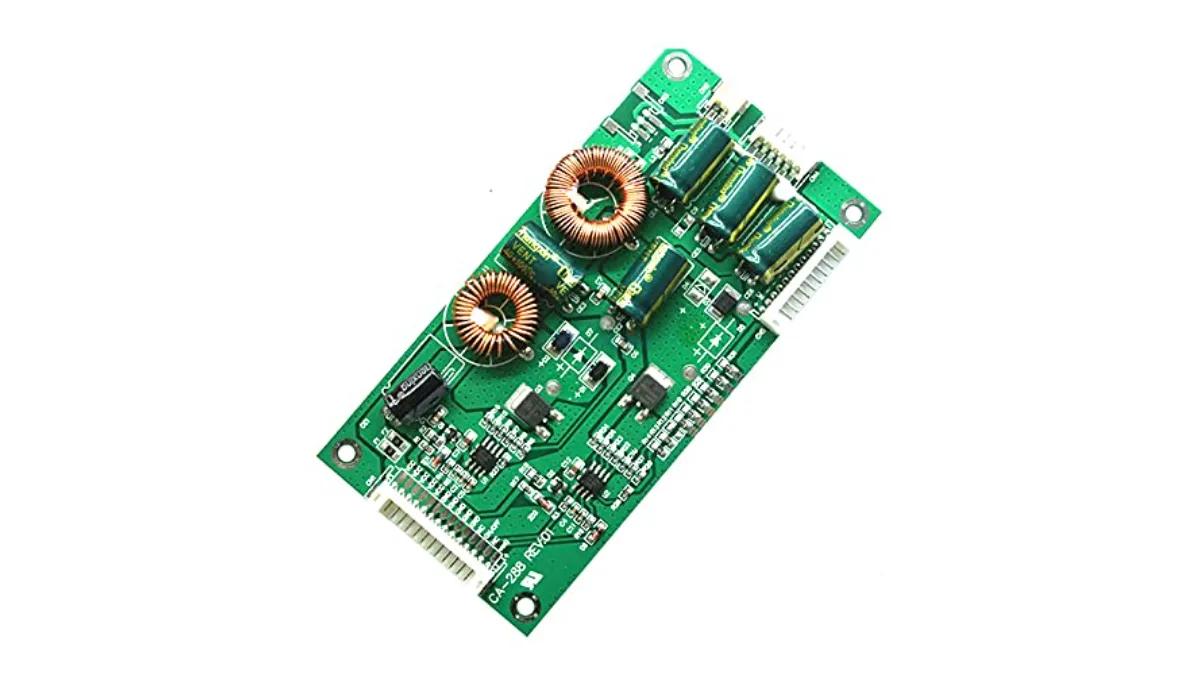
Setting up a backlight driver safely
- Confirm the strips themselves are good. Burnt strips need new backlight strips first.
- Check the input voltage your TV's power supply provides and the board's input range.
- Start at a low current setting and raise it until the screen is evenly bright. Running LEDs at full current shortens their life.
- Connect the enable and dimming wires from the main board if you want the TV to switch the backlight on and off normally.
Search accessories by name or number
On our TV accessories page you can type what you need, such as LVDS, 51 pin, inverter or a board number like CA-288, and the list narrows as you type. Price bands and sorting by price help you pick quickly, and every card shows a clear photo so you can compare connectors before ordering.
2K to 4K converter boards and keypads
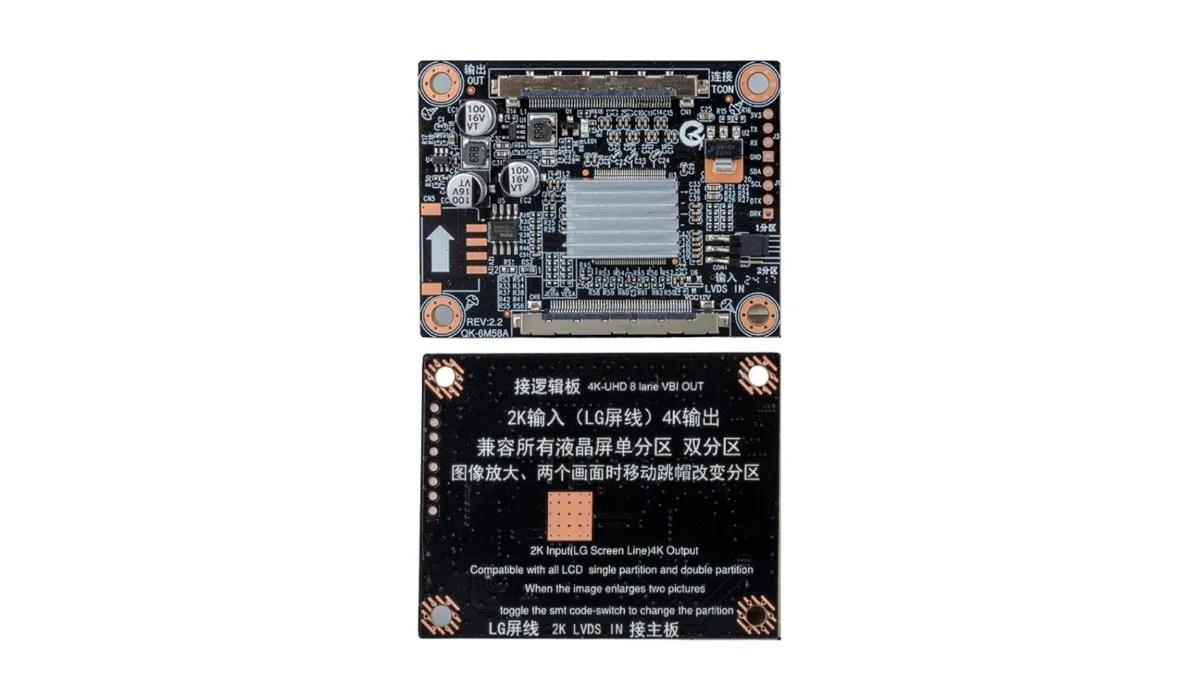
A 2K to 4K T-con converter such as the BD-25766 QK-6M58A takes a Full HD LVDS signal from an ordinary board and outputs the signal a 4K panel expects. Repairers use it to run a 4K panel from an affordable Full HD universal board.
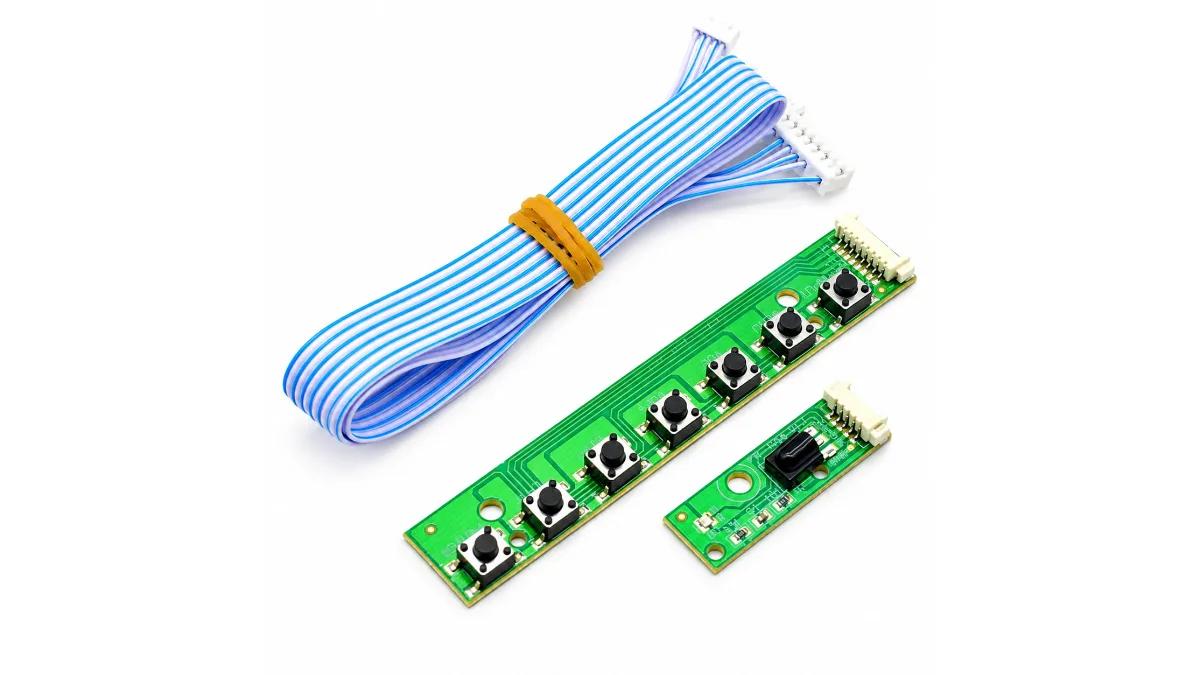
A keypad panel with IR sensor gives a V56 combo board its power button, menu buttons and remote receiver in one small board.
Frequently asked questions
Which LVDS cable do I need, 30 pin or 51 pin?
Most HD 1366x768 panels use a 30 pin cable and most Full HD 1920x1080 panels use a 51 pin cable. Check the socket on the panel's T-con board.
What does a universal LED driver board do?
It supplies the constant current that LED backlight strips need, replacing a failed driver circuit on the TV's power board.
Why does my TV show lines after changing the board?
The LVDS cable type, the channel setting or the board's software does not match the panel. Check all three.
اردو میں
ٹی وی مرمت کی ایکسیسریز: LVDS کیبل، یونیورسل LED بیک لائٹ ڈرائیور بورڈ اور 2K سے 4K کنورٹر
جب LED ٹی وی کو یونیورسل بورڈ سے ٹھیک کیا جاتا ہے، یا کوئی کیبل یا ڈرائیور خراب ہو، تو چند چھوٹی مگر ضروری ٹی وی ایکسیسریز چاہیے ہوتی ہیں: بورڈ کو پینل سے جوڑنے کے لیے LVDS کیبل، پٹیوں کو بجلی دینے کے لیے یونیورسل LED بیک لائٹ ڈرائیور بورڈ، کبھی 2K سے 4K کنورٹر، اور IR سینسر والا کی پیڈ۔
اس گائیڈ میں ہر ایک کا کام اور صحیح ورژن چننے کا طریقہ ہے۔ یہ سب ہماری TV accessories کیٹیگری میں ہیں۔
module.pk، جس نے پاکستان میں سب سے پہلے ٹی وی بیک لائٹ کیٹلاگ بنایا، ٹی وی مرمت کی ساری سپورٹ ایک پلیٹ فارم پر لاتا ہے، تاکہ ایک مرمت کے لیے بورڈ، بیک لائٹ، کیبل اور فرم ویئر سب ایک جگہ سے مل جائیں۔
LVDS کیبل کیا ہوتی ہے؟
LVDS کیبل وہ چپٹی ربن کیبل ہے جو تصویر مدر بورڈ سے پینل کے T-con بورڈ تک لے جاتی ہے۔ یہ خراب، ڈھیلی یا غلط قسم کی ہو تو لکیریں، جھلملاہٹ، غلط رنگ، ڈبل تصویر یا بالکل تصویر نہ آنا جیسے مسئلے آتے ہیں۔
LVDS کیبل تین چیزوں سے پہچانی جاتی ہے: پنوں کی تعداد، چینلز کی تعداد اور بِٹ۔
| کیبل | عام پینل | نوٹ |
|---|---|---|
| 30 پن، 1ch 8 بِٹ | HD 1366x768، 18.5 سے 32 انچ | چھوٹے اور HD پینل کی عام کیبل۔ |
| 30 پن، 2ch 8 بِٹ | 17 سے 27 انچ اور کچھ 1366x768 پینل | جن پینل کو ڈبل چینل چاہیے۔ |
| 51 پن، 2ch 8 بِٹ | فل HD 1920x1080، 32 سے 55 انچ | LG ٹائپ اور Samsung ٹائپ پن ترتیب میں آتی ہے۔ |
| 4K 51 پن | UHD پینل | 4K پینل کے کنکشن کے لیے۔ |
| FPC سے DuPont | یونیورسل بورڈ | پینل کی طرف چپٹا سرا، بورڈ کی طرف پلگ۔ |
یونیورسل LED بیک لائٹ ڈرائیور بورڈ
ٹی وی کی LED کو صرف وولٹیج نہیں، کانسٹنٹ کرنٹ چاہیے۔ بہت سے ٹی وی میں یہ سرکٹ پاور بورڈ پر ہوتا ہے، اور یہ خراب ہو تو پٹیاں ٹھیک ہونے کے باوجود بند رہتی ہیں۔ یونیورسل LED بیک لائٹ انورٹر بورڈ صرف یہی سرکٹ بدل دیتا ہے۔ یہ ٹی وی کی پاور سپلائی سے DC لیتا ہے اور پٹیوں کو مقرر کرنٹ دیتا ہے، جو زیادہ تر بورڈ پر کم زیادہ ہو سکتا ہے۔
- CA-188: 15 سے 24 انچ سکرین کے لیے۔
- CA-168: 32 انچ سکرین کے لیے سٹیپ اپ ڈرائیور۔
- CA-255S: 10 سے 48 انچ کے لیے۔
- CA-288: 26 سے 55 انچ سکرین کے لیے۔
- CA-399: 26 سے 50 انچ سکرین کے لیے۔
بیک لائٹ ڈرائیور محفوظ طریقے سے لگانا
- پہلے تسلی کریں کہ پٹیاں ٹھیک ہیں۔ جلی ہوئی پٹیوں کے لیے پہلے نئی بیک لائٹ پٹیاں لگائیں۔
- دیکھیں کہ ٹی وی کی پاور سپلائی کتنا وولٹیج دیتی ہے اور بورڈ کتنا لیتا ہے۔
- کم کرنٹ سے شروع کریں اور اتنا بڑھائیں کہ سکرین برابر روشن ہو جائے۔ فل کرنٹ پر LED جلدی خراب ہوتی ہیں۔
- اگر چاہتے ہیں کہ ٹی وی خود بیک لائٹ آن آف کرے تو مین بورڈ سے enable اور dimming کی تاریں جوڑیں۔
نام یا نمبر سے ایکسیسریز سرچ کریں
ہمارے TV accessories پیج پر آپ جو چاہیے وہ لکھیں، جیسے LVDS، 51 pin، inverter یا بورڈ نمبر جیسے CA-288، اور لکھتے لکھتے لسٹ چھوٹی ہوتی جاتی ہے۔ قیمت کی حد اور قیمت سے ترتیب جلدی چننے میں مدد کرتی ہے، اور ہر کارڈ پر صاف تصویر ہے تاکہ آرڈر سے پہلے کنیکٹر ملا سکیں۔
2K سے 4K کنورٹر بورڈ اور کی پیڈ
2K سے 4K T-con کنورٹر جیسے BD-25766 QK-6M58A عام بورڈ سے فل HD سگنل لے کر وہ سگنل دیتا ہے جو 4K پینل کو چاہیے۔ ٹیکنیشن اسے سستے فل HD یونیورسل بورڈ سے 4K پینل چلانے کے لیے استعمال کرتے ہیں۔
IR سینسر والا کی پیڈ V56 کومبو بورڈ کو پاور بٹن، مینیو بٹن اور ریموٹ ریسیور ایک چھوٹے بورڈ میں دے دیتا ہے۔
اکثر پوچھے جانے والے سوال
مجھے 30 پن LVDS کیبل چاہیے یا 51 پن؟
زیادہ تر HD 1366x768 پینل میں 30 پن اور فل HD 1920x1080 پینل میں 51 پن کیبل لگتی ہے۔ پینل کے T-con بورڈ کا ساکٹ دیکھیں۔
یونیورسل LED ڈرائیور بورڈ کیا کرتا ہے؟
یہ بیک لائٹ پٹیوں کو کانسٹنٹ کرنٹ دیتا ہے، اور ٹی وی کے پاور بورڈ کا خراب ڈرائیور سرکٹ بدل دیتا ہے۔
بورڈ بدلنے کے بعد ٹی وی پر لکیریں کیوں آ رہی ہیں؟
LVDS کیبل کی قسم، چینل سیٹنگ یا بورڈ کا سافٹ ویئر پینل سے نہیں مل رہا۔ تینوں چیک کریں۔