 Chat on WhatsApp
TCL Remote Not Working? A One Minute Test, the Fixes That Work, and the Right Replacement
TCL remote not working? Test it with your phone camera in a minute, try the fixes that actually help, then match a replacement to your TCL TV by its buttons.
3 min readBy Zain
Browse all 143 TV Remotes
Your TCL TV turns on with the button on its side, but the remote does nothing. Before you buy a new one, spend one minute finding out whether the remote is dead or the TV is not listening. Usually it is the remote. And a basic TCL remote is one of the cheapest parts we sell.
We have 11 TCL remotes in stock right now, from the plain 166 style for older sets to the voice remote that came with QLED models like the 55C728. This post helps you work out which one you need.
The phone camera test
If you see nothing, try the front camera too. Some phone cameras filter that light out.
A voice remote sends most of its buttons over Bluetooth, so this test only tells you part of the story with one. See the voice remote section below.
- Open your phone's camera.
- Point the tip of the remote at the lens and hold down any button.
- Watch the screen. A flickering light at the tip means the remote is sending. No light means the remote is the problem.
The remote shows a light, but the TV ignores it
- Unplug the TV from the wall, wait a minute, and plug it back in. It sounds too simple, but it clears a stuck TV more often than anything else.
- Look at the small sensor window on the front edge of the TV, usually at the bottom. Dust, a sticker or a decoration in front of it is enough to block it.
- Try from closer, pointing straight at the sensor. If it works from one metre but not from the sofa, the batteries are weak.
No light at all
- Put in two new batteries, not ones taken from another remote. Check the springs for white or green crust and clean it off with a dry cloth.
- Take the batteries out, hold the power button down for about ten seconds, then put the batteries back.
- If the buttons need a hard press, the rubber contacts inside are worn. If the remote was dropped and still shows no light with new batteries, the small crystal inside has probably cracked. Either way, it is time for a new one.
Voice remotes need pairing
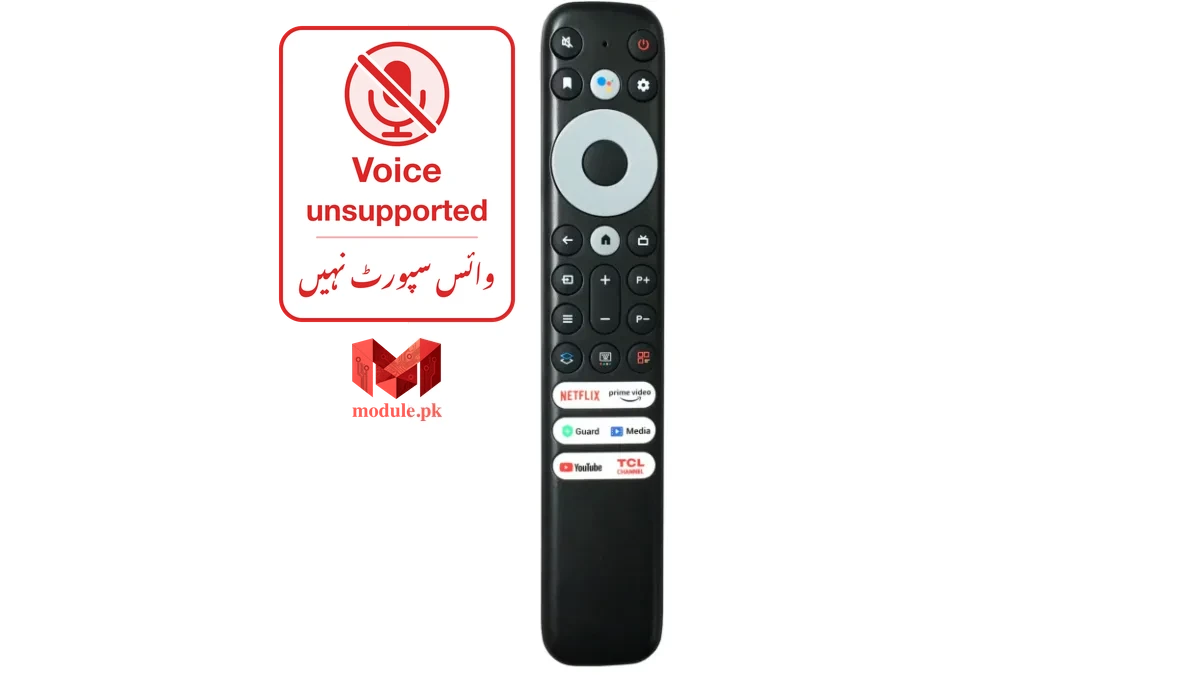
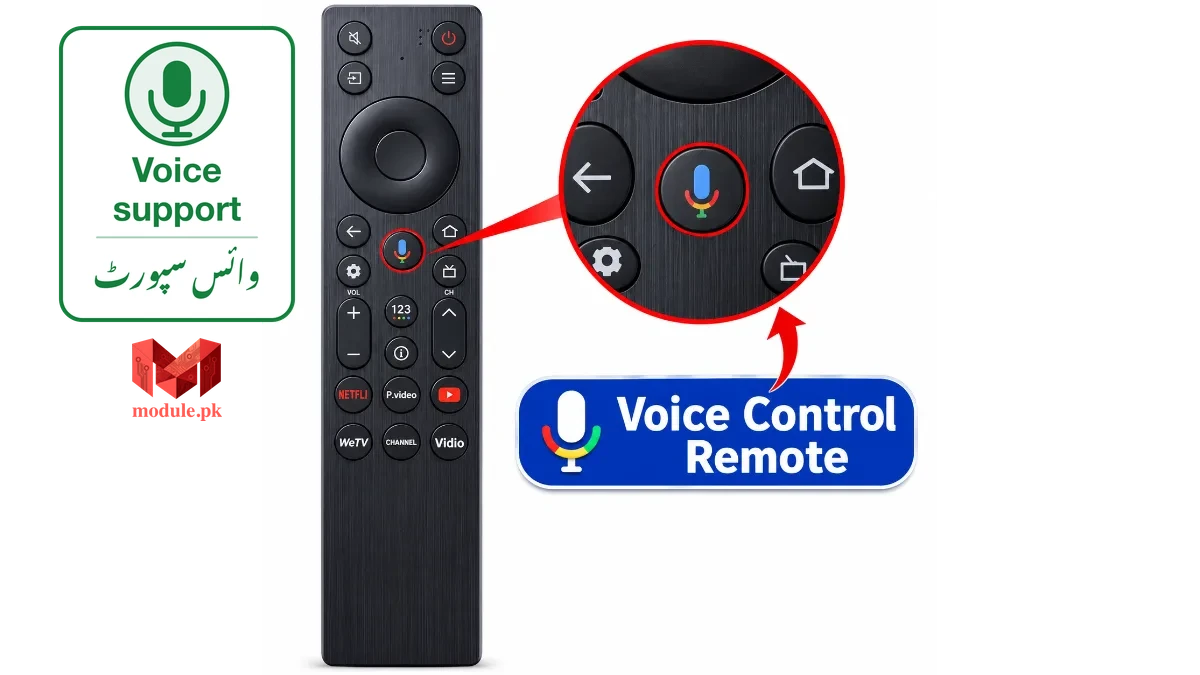
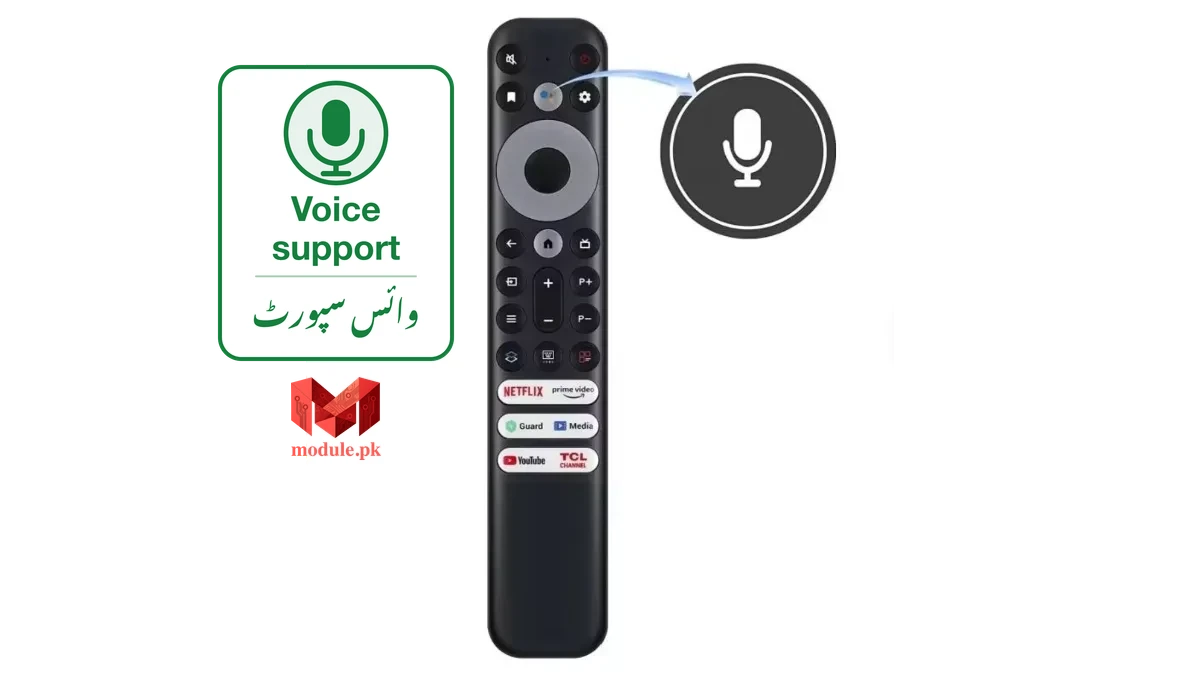
The TCL voice remotes talk to the TV over Bluetooth. A new one, or one that lost its pairing, will do little until it is paired again. On TCL Android and Google TVs, open Settings, then Remotes and Accessories, then pair a new remote, and follow the steps on the screen. The buttons to hold differ between remote models. If yours came without a leaflet, send us its photo and your TV model on WhatsApp.
Match the replacement by its buttons
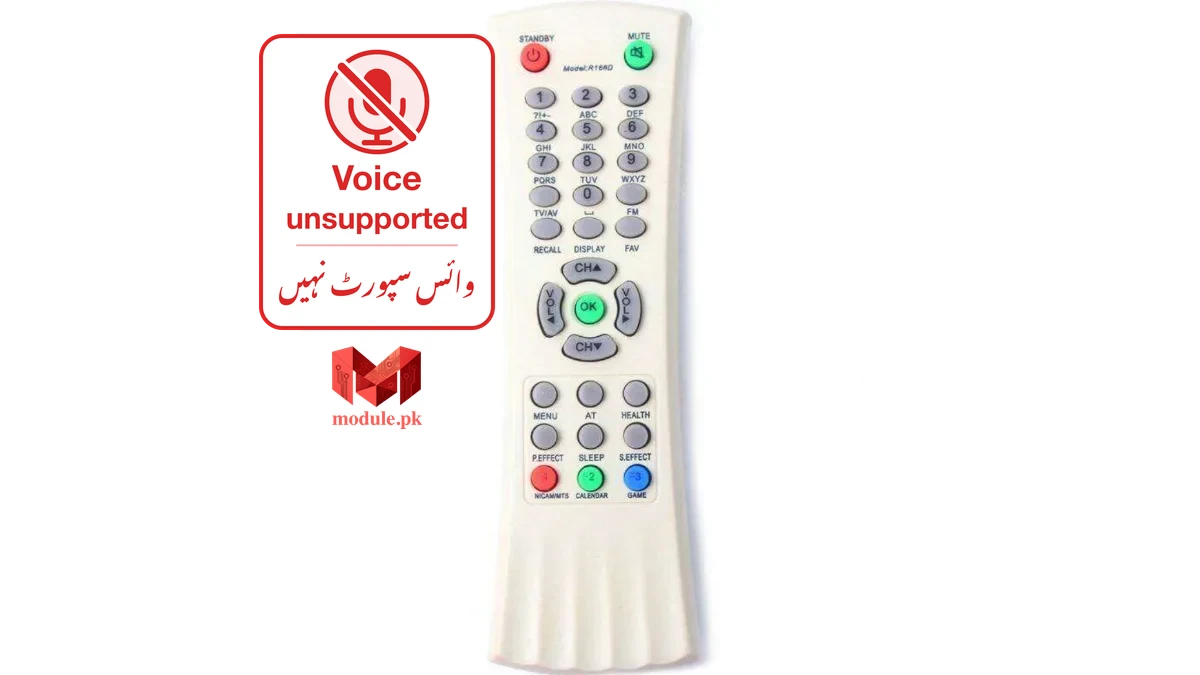
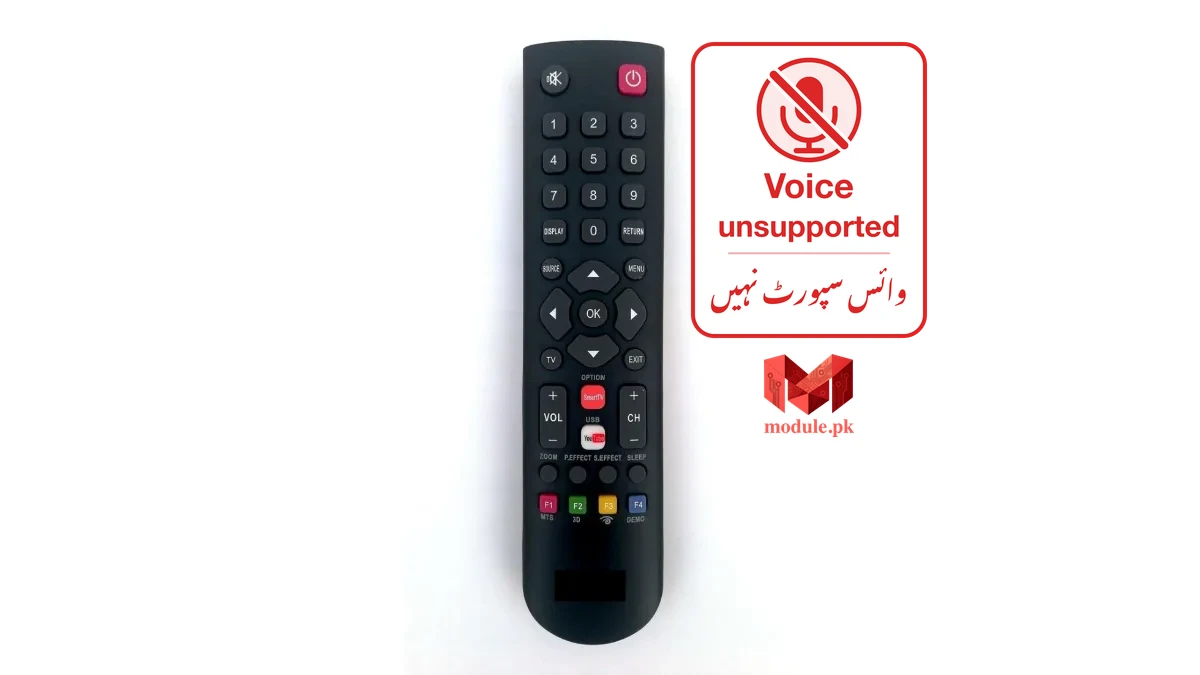
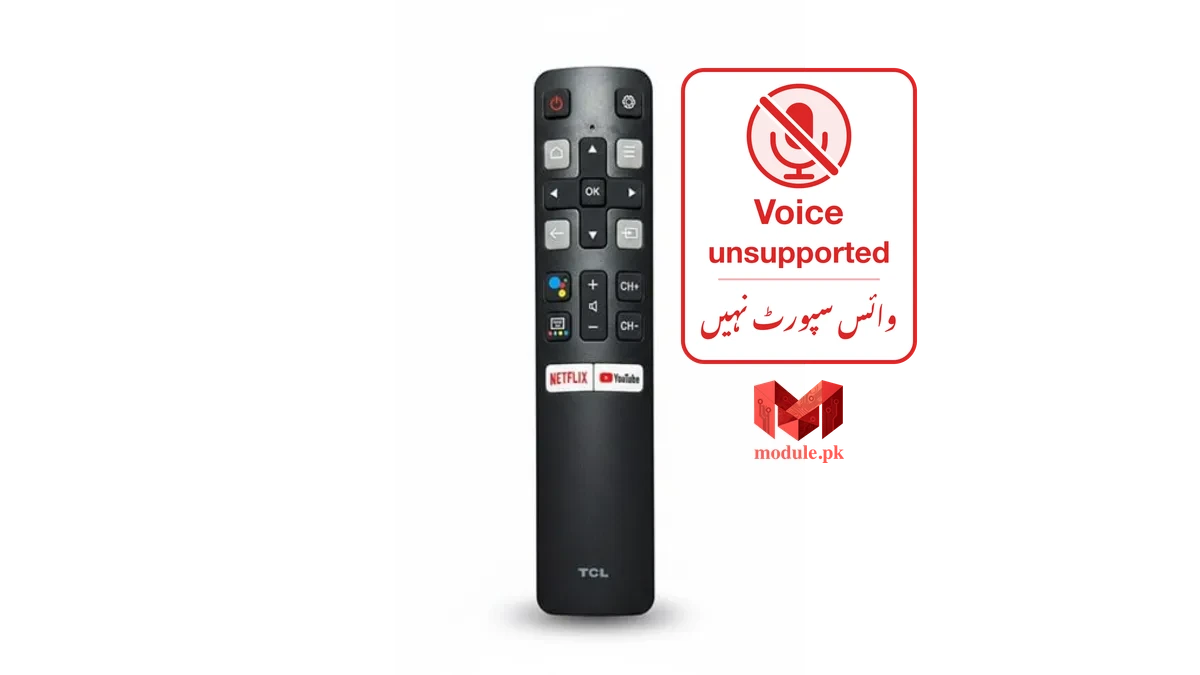
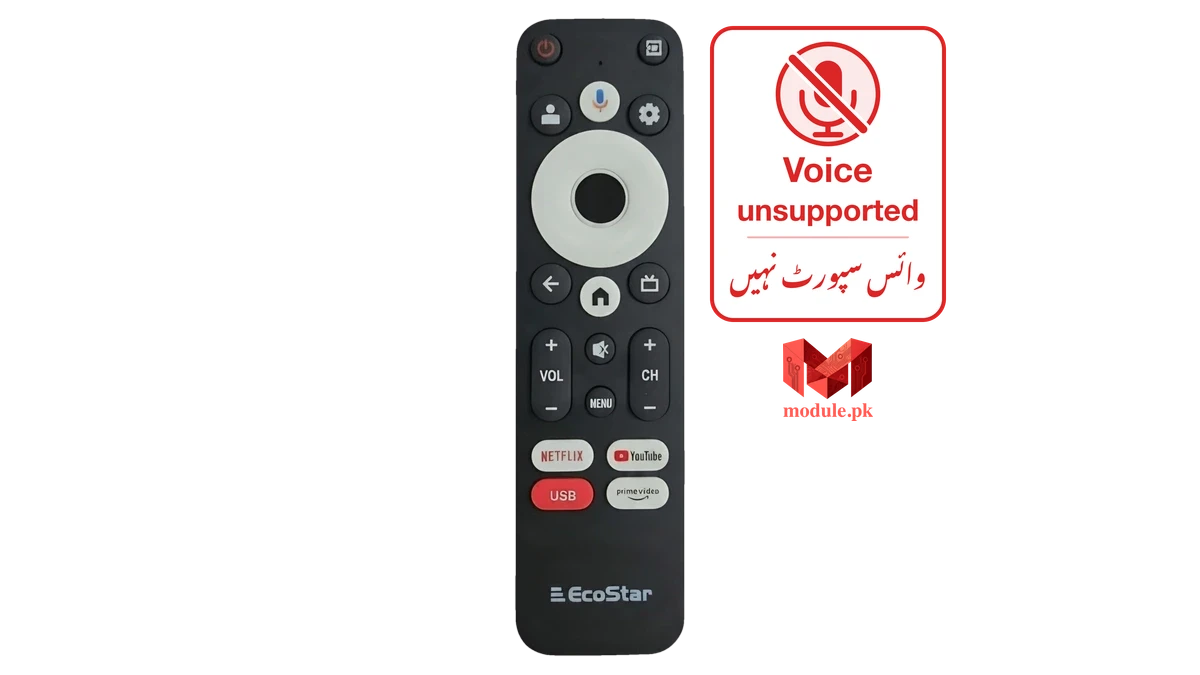
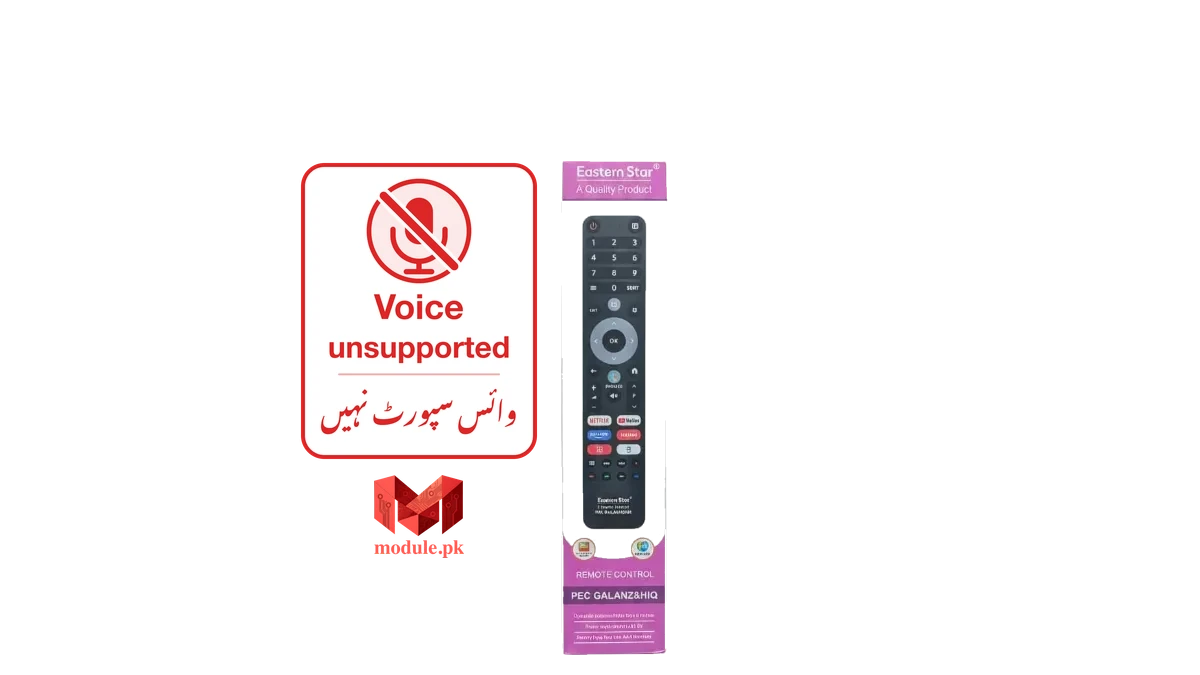
Brand alone is not enough. Put your old remote next to the photos and match the shape, the Netflix and YouTube keys, and where the power button sits.
Every remote we sell is an original or an A+ copy, and we film it working before it ships, so you see it run before you pay. All of them are on our TCL remotes page. For the other brands, our TV remote guide explains how to match any remote.
| Remote | For |
|---|---|
| TCL 166 remote | Older TCL LED and LCD TVs |
| TCL YouTube remote | TCL Android LED and LCD TVs |
| TCL slim small remote | TCL Netflix, QLED, Mini LED and Google TVs |
| TCL 3 patti slim remote | TCL slim smart and Android TVs |
| TCL 3 patti voice remote | TCL QLED smart TVs like the 55C728, with voice |
Frequently asked questions
Will any TCL remote work with my TCL TV?
Not always. TCL has used several remote designs, and one made for an older TCL may not run every button on a newer Google TV. Match the shape and the button layout to your old remote, or send us a photo of it on WhatsApp.
Does a TCL voice remote work on every TCL TV?
No. Voice needs a TV that supports it, usually a TCL Android or Google TV, and the remote has to be paired with the TV over Bluetooth first. On a TV without voice it works as a normal remote at best.