 Chat on WhatsApp
Ecostar Remote Lost or Not Working? How to Find the One That Fits Your Ecostar TV
Lost or broken Ecostar remote? Find the right one by your TV's model number, and learn when you need a voice remote and how to pair it with a Google TV.
2 min readBy Zain
Browse all 143 TV Remotes
Ecostar has sold many TV ranges in Pakistan, from plain LED sets to Android and Google TVs, and the remotes changed with them. That is why "an Ecostar remote" is not one thing. We stock over a dozen remotes that fit Ecostar TVs, and the quickest way to the right one is the model number on the back of your TV.
Start with the sticker on the back
Every Ecostar TV has a sticker on the back with its model number, usually starting with CX, like CX-32U860 or CX-Q964. Write it down, or take a photo. Then type it into our search. Most of our Ecostar remote listings name the models they fit.
No sticker? Then match by the old remote: its shape, and whether it has Netflix, YouTube or Google keys.
Which remote for which Ecostar
Several of these also run PEL, PEC, Nobel and Dawlance sets, because many of them use the same remote codes. The listing says so where it applies.
| Remote | For |
|---|---|
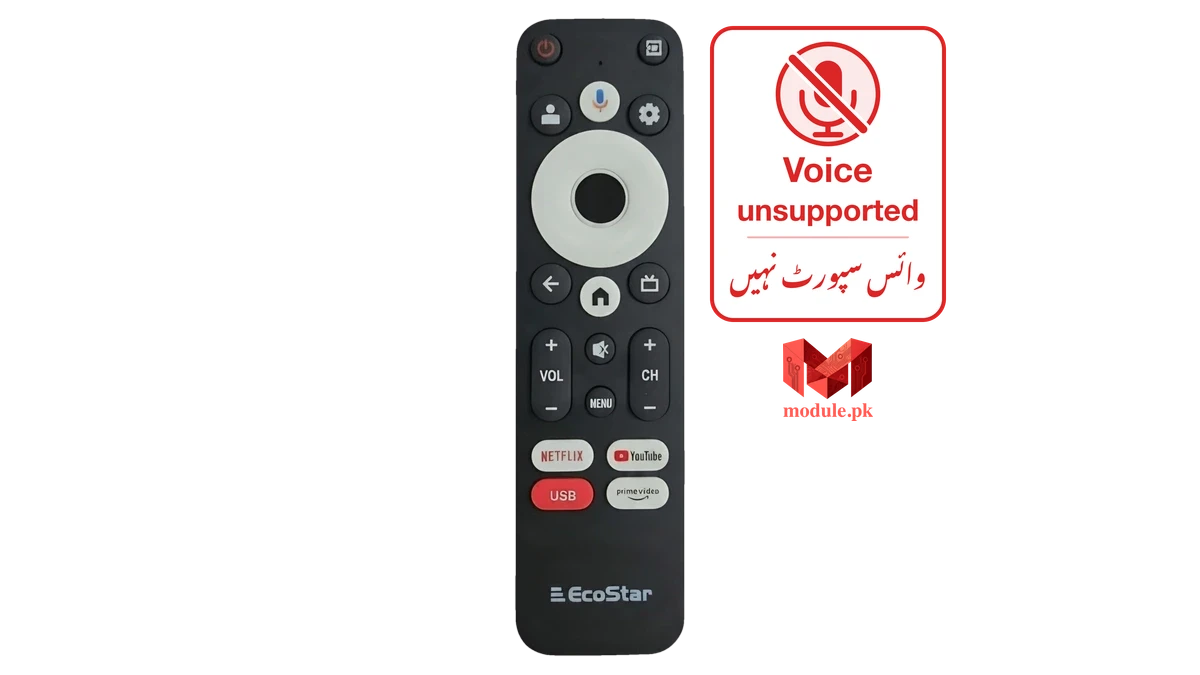
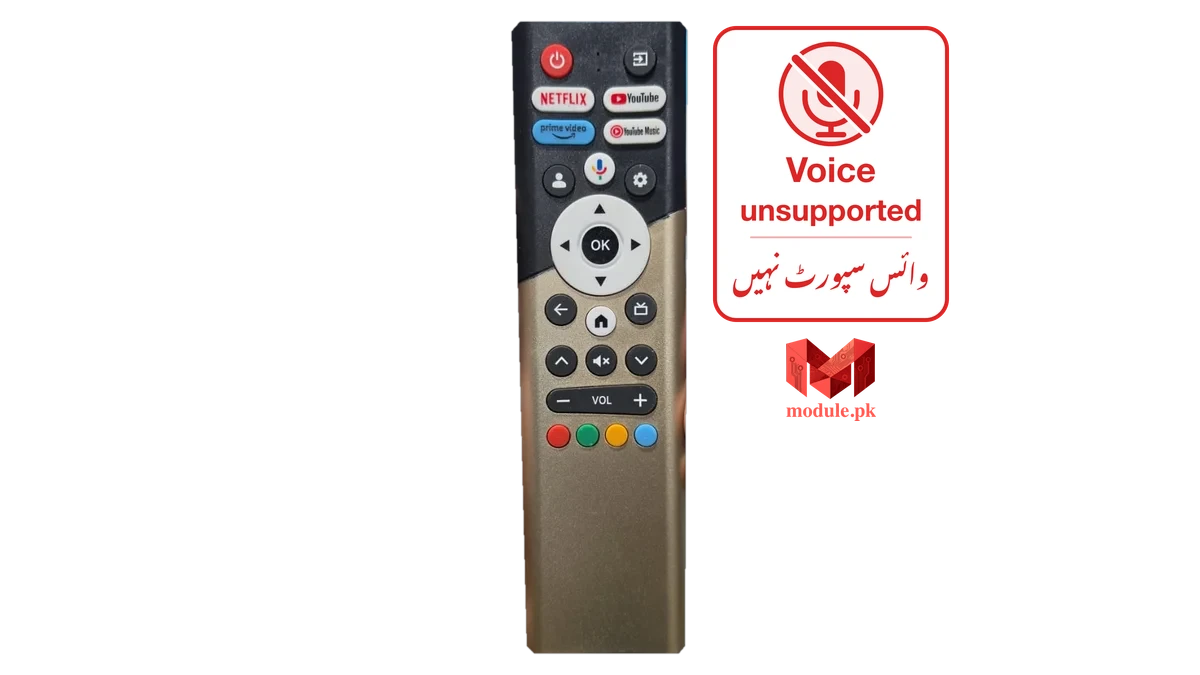
| Ecostar Google TV remote | Ecostar Google TVs: CX-Q964, CX-Q965, CX-Q966, CX-Q873, CX-Q874 |
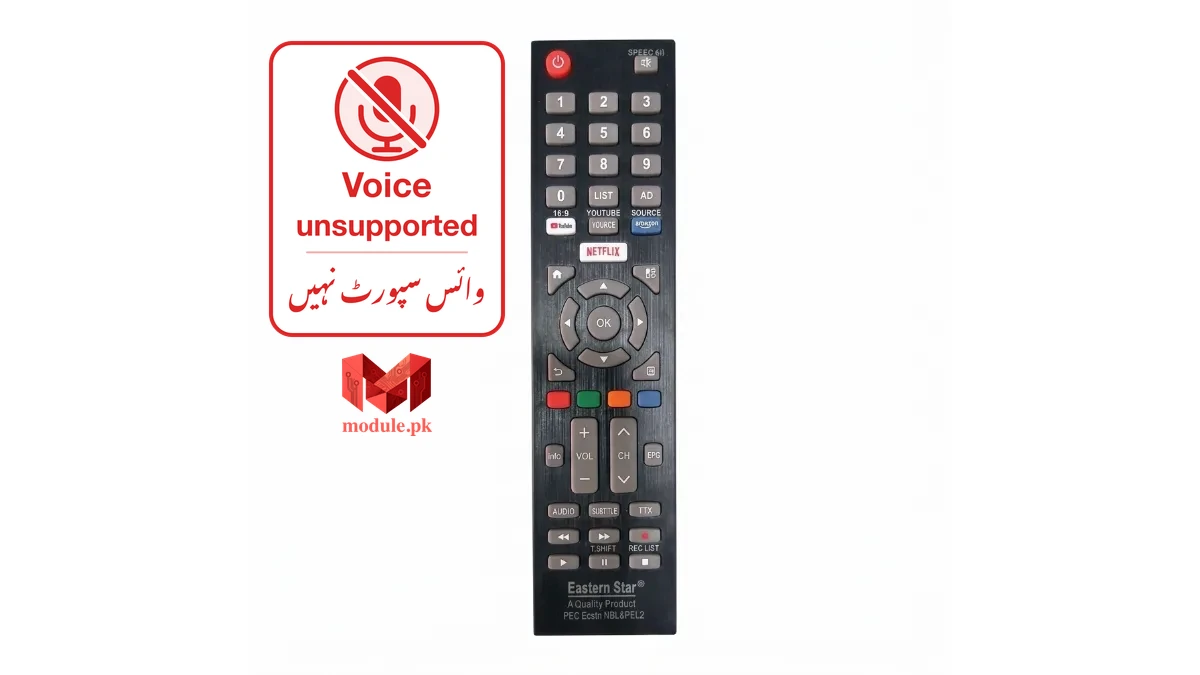
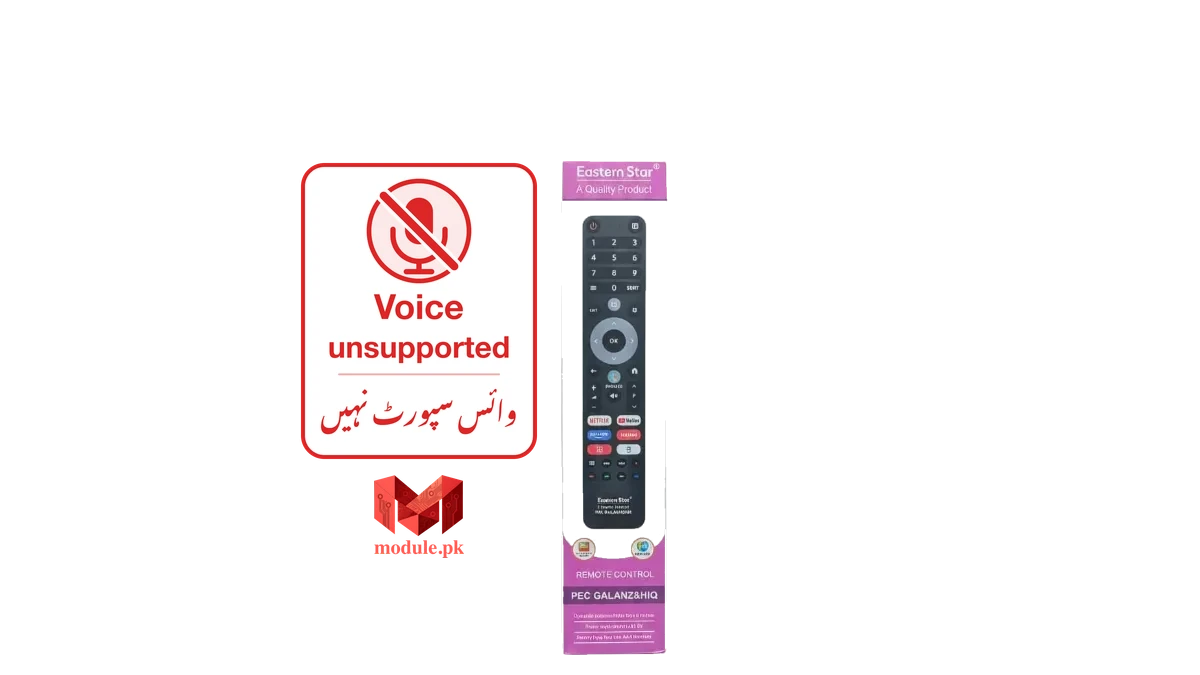
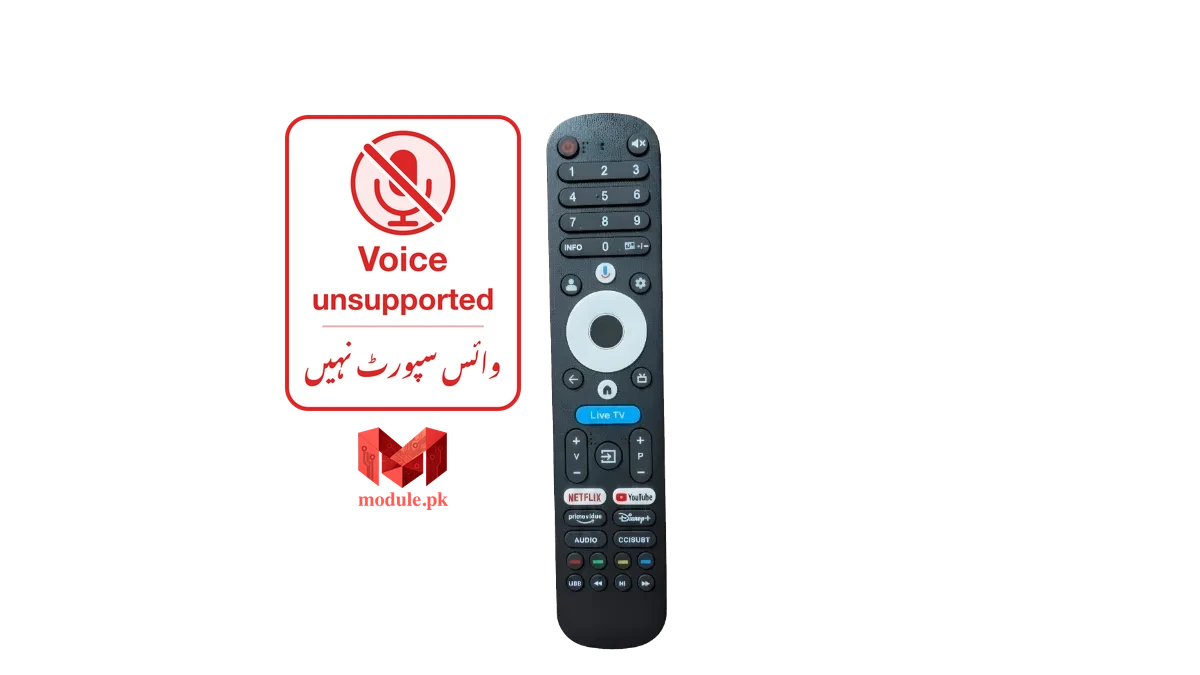
| Ecostar Netflix remote | Ecostar CX-32U860 and CX-40U860, and PEC, Nobel and PEL smart LEDs |
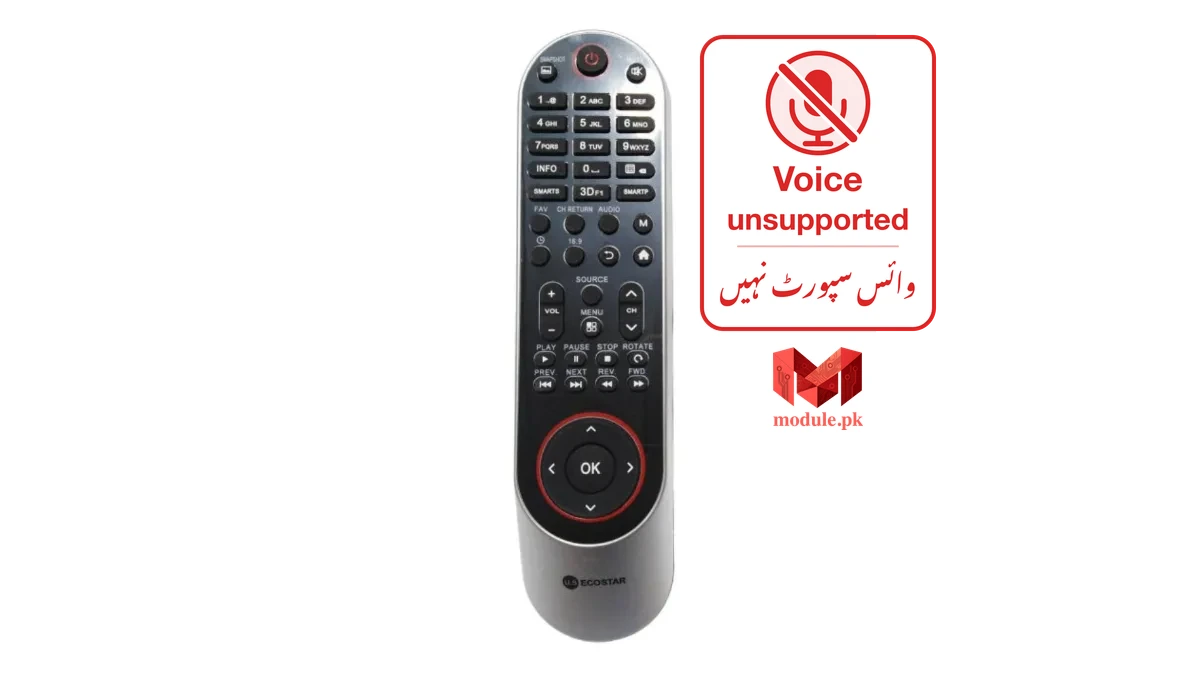
| Ecostar Shine and Silver remote | Ecostar Shine, Silver, smart and Android TVs |
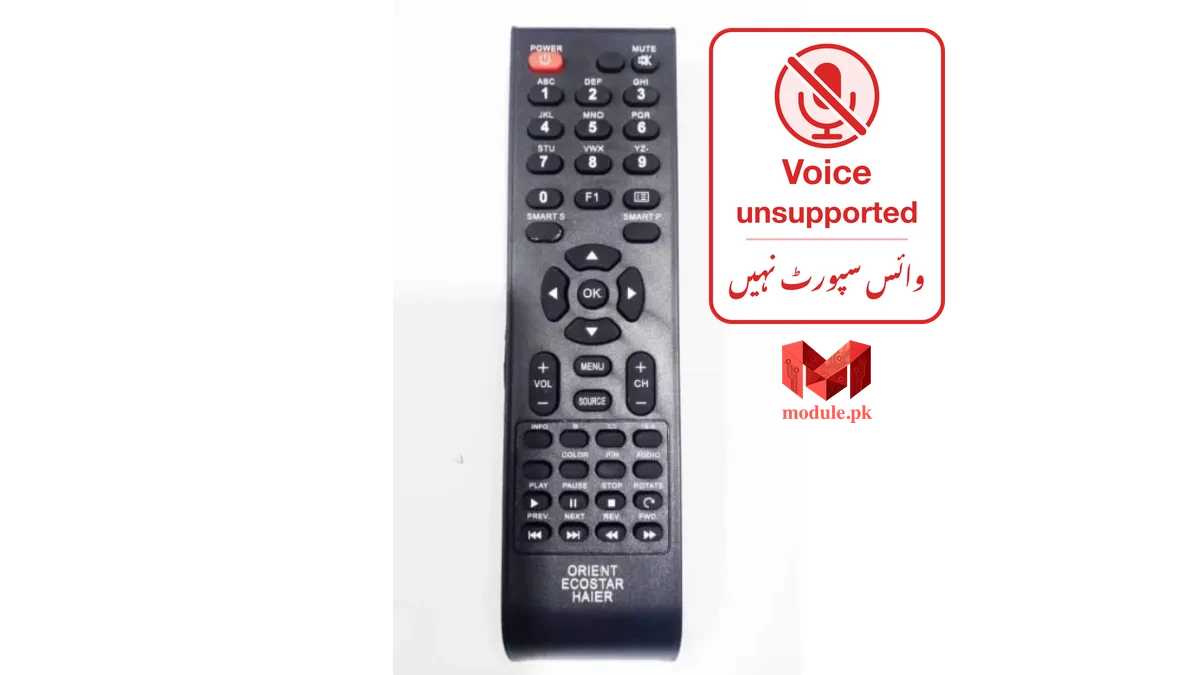
| Ecostar, Haier and Orient 3 in 1 | Plain Ecostar, Haier and Orient LED TVs |
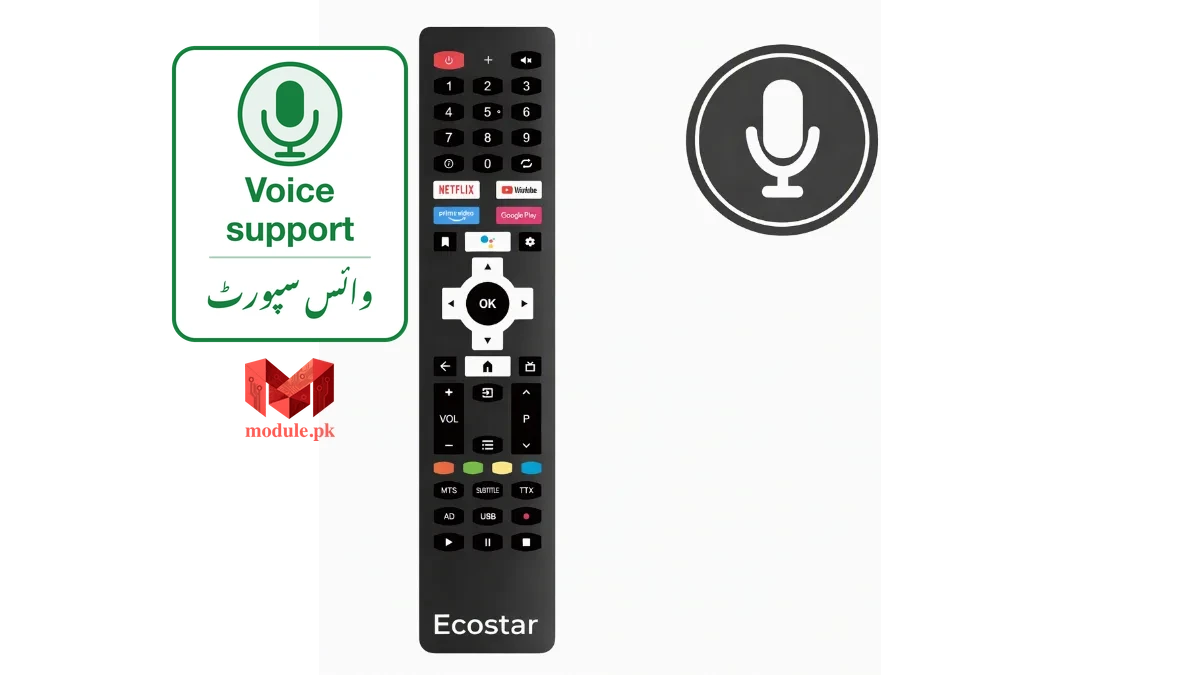
| Ecostar voice remote | Ecostar smart LED TVs, with voice search |
Voice remote or normal remote?
A normal remote runs every menu and every app on an Ecostar smart TV. A voice remote adds one thing: you hold a button and speak to search YouTube or your apps, which is easier than typing with arrows. It costs more than a normal remote, so buy it for the voice, not because you think the TV needs it.
Pairing a voice remote
A voice remote talks to the TV over Bluetooth, so it has to be paired once. On an Ecostar Google TV or Android TV, open Settings, then Remotes and Accessories, then pair a new remote, and follow the steps on the screen. The buttons to hold differ between remote models. If it will not pair, send us your TV's model number and a photo of the remote on WhatsApp.
Before you buy, check the old one
If the remote stopped working rather than went missing, try two new batteries first, and look at the tip through your phone camera while pressing a button. A flickering light means the remote works and the problem is the TV's sensor or the TV itself. Our TCL remote post walks through the full test, and it works the same on Ecostar.
Every remote we sell is an original or an A+ copy, filmed working before it ships. See them all on our Ecostar remotes page.
Frequently asked questions
Where do I find my Ecostar TV's model number?
On the sticker on the back of the TV, usually starting with CX, like CX-32U860 or CX-Q964. That number is the surest way to match a remote.
Do I need a voice remote for my Ecostar Google TV?
No. A normal remote runs every menu. Voice is a convenience for searching YouTube and apps, and it only works on TVs that support it, after pairing over Bluetooth.