
 Chat on WhatsApp
Android TV Box Buying Guide: Turn Any TV into a Smart TV in Pakistan
How an Android TV box turns any LED or LCD TV with HDMI into a smart TV with YouTube, Netflix and IPTV. What RAM, storage, WiFi and 4K support to look for before you buy an Android box in Pakistan.
3 min readBy the module.pk teamاردو میں پڑھیں ↓
Browse all 2 Android TV Boxes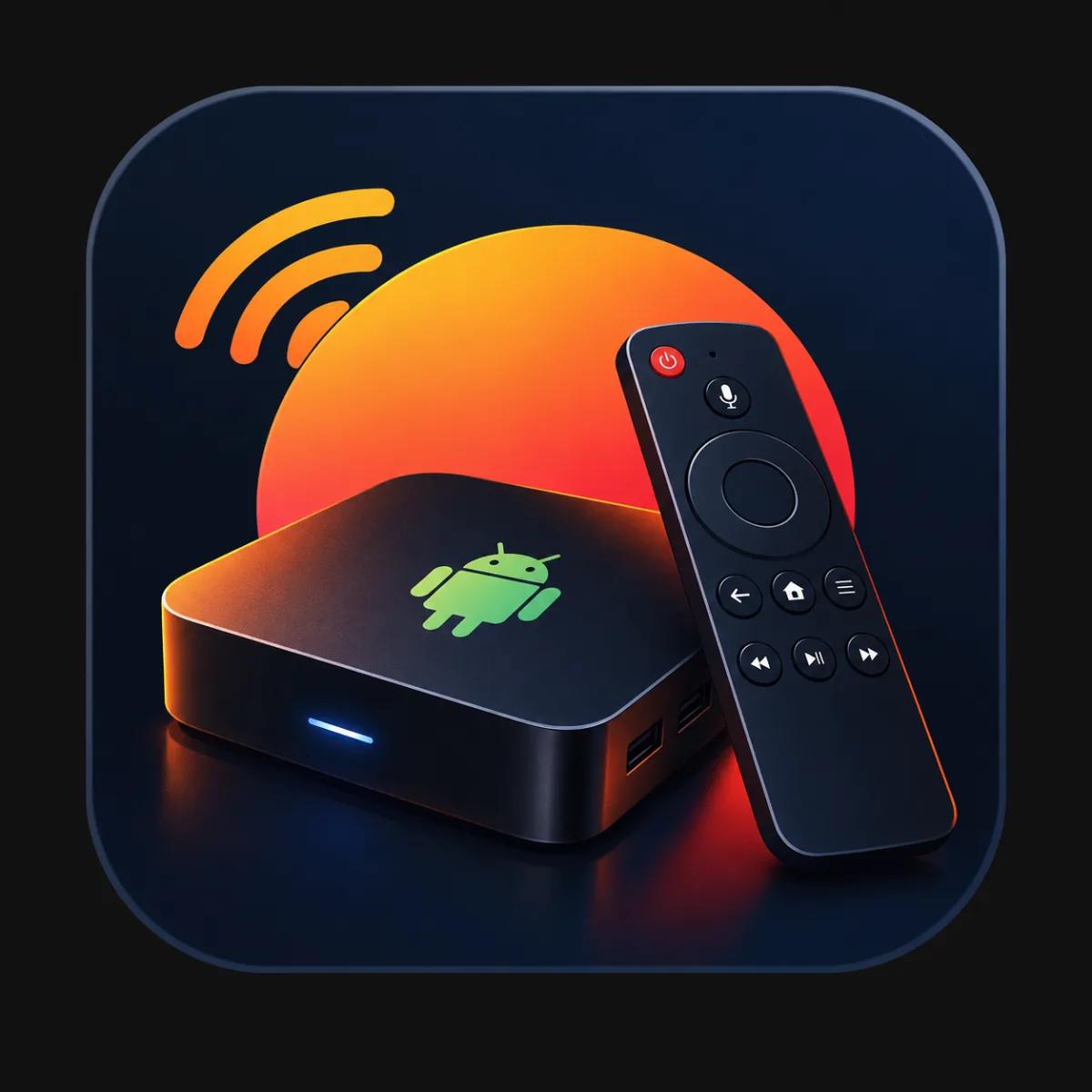
An Android TV box is the simplest way to turn an ordinary LED or LCD TV into a smart TV. Plug it into the TV's HDMI port, connect it to WiFi, and the TV gets YouTube, Netflix, a web browser, games and IPTV apps, without opening the TV or replacing anything.
This guide covers what an Android box does, the specifications that actually matter, and how to set one up. See the boxes we stock in our Android TV boxes category.
What does an Android TV box do?
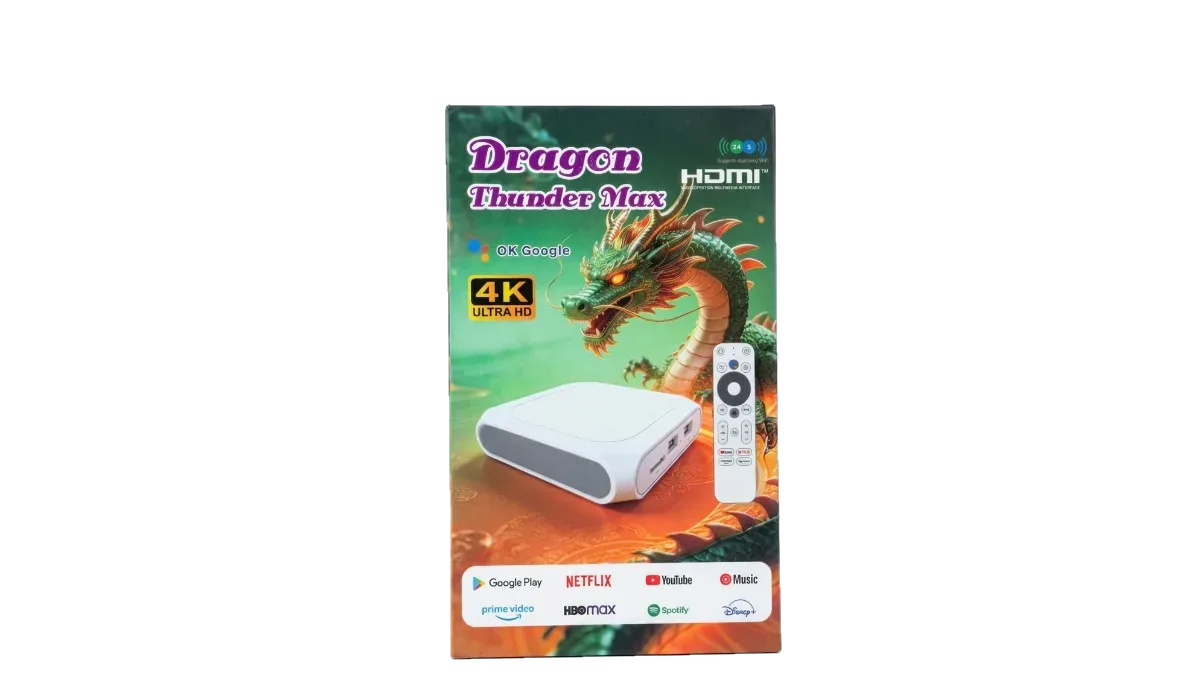
An Android box is a small computer running Android, built for the big screen. It outputs picture and sound through HDMI and is controlled with its own remote. Because the apps run on the box, even a ten year old TV gets the same smart features as a new one.
- Watch YouTube, Netflix and other streaming apps on a non smart TV.
- Run IPTV apps for live TV channels. See our IPTV guide.
- Play videos and photos from a USB drive or memory card.
- Browse the web, cast from your phone and play Android games.
- Replace a slow or outdated smart TV system with a faster one.
Specifications that matter
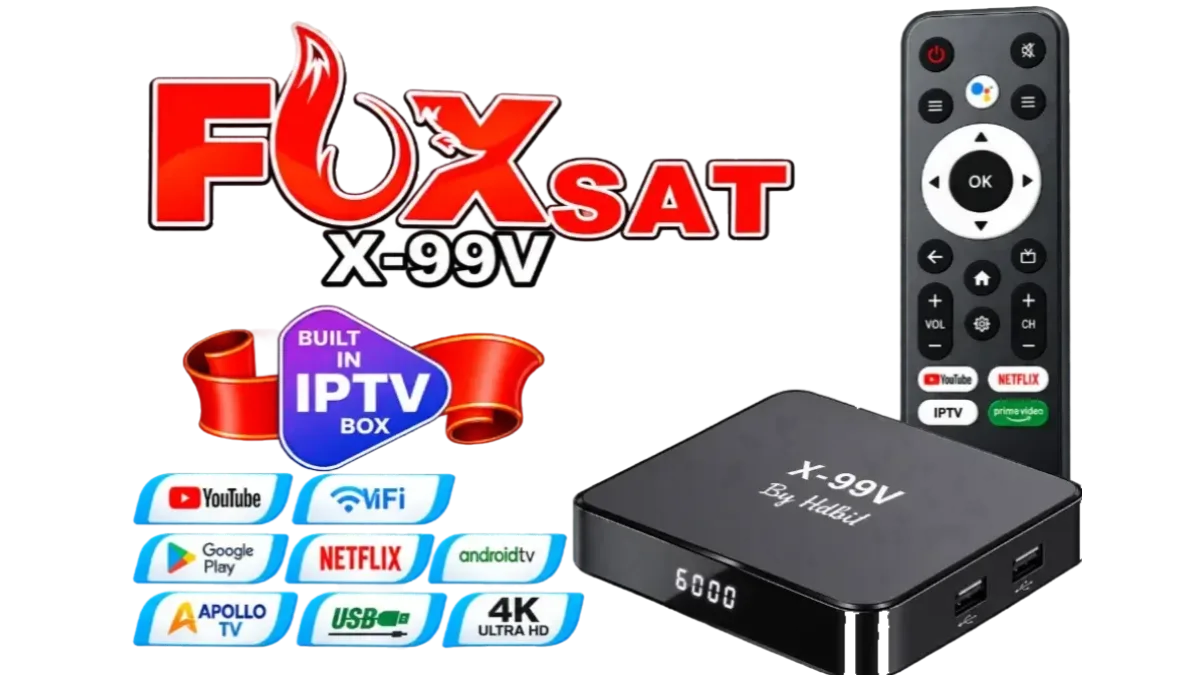
| Spec | What to look for |
|---|---|
| RAM | More RAM keeps apps smooth and switching fast. 2GB is the minimum for comfort, more is better. |
| Storage | Apps and updates need space. More storage means fewer warnings and more apps. |
| WiFi | Dual band WiFi (2.4GHz and 5GHz) streams HD and 4K with less buffering. |
| Resolution | 4K output is worth having even on a Full HD TV, for future upgrades. |
| Ports | USB ports for drives and keyboards, and LAN for the most stable connection. |
Android box or smart TV board?
An Android box is external, cheap and needs no technician. Replacing the TV's main board with an Android or Google TV motherboard builds the smart features in, which suits repair shops fixing a TV with a dead board anyway. For a working TV that just needs apps, the box is the easier choice.
Compare boxes with the filters on module.pk
Our Android TV boxes page lets you type a model you already know, such as X96Q, or pick by RAM with one tap. The filters then compare the features that matter for streaming:
- RAM and storage (ROM) for speed and room for apps.
- 5GHz WiFi and 2.4GHz WiFi for smoother streaming.
- IPTV included, Netflix, Amazon Prime and Google Assistant support.
- Bluetooth, USB ports, memory card, AV and HDMI for connecting older TVs, keyboards and drives.
How to set up an Android TV box
- Connect the box to the TV with the HDMI cable and plug in the power adapter.
- Select the HDMI input on your TV with the TV remote.
- Connect to WiFi or a LAN cable from the box's settings.
- Sign in to Google, then install the apps you want.
- For live channels, add an IPTV package and log in to the IPTV app.
Frequently asked questions
Will an Android box work with my old TV?
Yes, if your TV has an HDMI port. Almost every LED and LCD TV made in the last fifteen years does.
Do I need internet for an Android TV box?
Streaming apps and IPTV need internet over WiFi or LAN. Videos from a USB drive play without internet.
Can I watch live TV channels on an Android box?
Yes, with an IPTV subscription. We sell IPTV packages that work on Android boxes, Android TVs and phones.
اردو میں
اینڈرائیڈ ٹی وی باکس خریدنے کی گائیڈ: کسی بھی ٹی وی کو سمارٹ ٹی وی بنائیں
اینڈرائیڈ ٹی وی باکس کسی بھی عام LED یا LCD ٹی وی کو سمارٹ ٹی وی بنانے کا سب سے آسان طریقہ ہے۔ اسے ٹی وی کے HDMI میں لگائیں، WiFi سے جوڑیں، اور ٹی وی پر YouTube، Netflix، ویب براؤزر، گیمز اور IPTV ایپس آ جاتی ہیں، ٹی وی کھولے یا کچھ بدلے بغیر۔
اس گائیڈ میں ہے کہ اینڈرائیڈ باکس کیا کرتا ہے، کون سی تفصیل واقعی اہم ہے، اور اسے کیسے لگائیں۔ ہمارے باکس Android TV boxes کیٹیگری میں دیکھیں۔
اینڈرائیڈ ٹی وی باکس کیا کرتا ہے؟
اینڈرائیڈ باکس ایک چھوٹا کمپیوٹر ہے جو بڑی سکرین کے لیے بنا ہے۔ یہ HDMI سے تصویر اور آواز دیتا ہے اور اپنے ریموٹ سے چلتا ہے۔ ایپس باکس پر چلتی ہیں، اس لیے دس سال پرانا ٹی وی بھی نئے ٹی وی جیسا سمارٹ بن جاتا ہے۔
- نان سمارٹ ٹی وی پر YouTube اور Netflix دیکھیں۔
- لائیو ٹی وی چینلز کے لیے IPTV ایپس چلائیں۔ ہماری IPTV گائیڈ دیکھیں۔
- USB یا میموری کارڈ سے ویڈیو اور تصویریں چلائیں۔
- انٹرنیٹ چلائیں، فون سے کاسٹ کریں اور اینڈرائیڈ گیمز کھیلیں۔
- سست یا پرانے سمارٹ ٹی وی سسٹم کی جگہ تیز سسٹم لائیں۔
کون سی تفصیل اہم ہے
| تفصیل | کیا دیکھیں |
|---|---|
| RAM | زیادہ RAM سے ایپس رواں چلتی ہیں۔ آرام کے لیے کم از کم 2GB، زیادہ بہتر۔ |
| سٹوریج | ایپس اور اپ ڈیٹ کو جگہ چاہیے۔ زیادہ سٹوریج، زیادہ ایپس۔ |
| WiFi | ڈوئل بینڈ WiFi (2.4GHz اور 5GHz) پر HD اور 4K کم رکتا ہے۔ |
| ریزولوشن | فل HD ٹی وی پر بھی 4K آؤٹ پٹ اچھا ہے، آگے ٹی وی بدلنے کے لیے۔ |
| پورٹس | ڈرائیو اور کی بورڈ کے لیے USB، اور سب سے پکے کنکشن کے لیے LAN۔ |
اینڈرائیڈ باکس یا سمارٹ ٹی وی بورڈ؟
اینڈرائیڈ باکس باہر لگتا ہے، سستا ہے اور ٹیکنیشن کی ضرورت نہیں۔ ٹی وی کے مین بورڈ کی جگہ اینڈرائیڈ یا گوگل ٹی وی مدر بورڈ لگانے سے سمارٹ فیچر اندر آ جاتے ہیں، جو ان ریپیئر شاپس کے لیے اچھا ہے جن کے پاس خراب بورڈ والا ٹی وی ویسے بھی آیا ہو۔ ٹھیک ٹی وی کو صرف ایپس چاہییں تو باکس آسان ہے۔
module.pk کے فلٹرز سے باکس ملائیں
ہمارے Android TV boxes پیج پر آپ پہلے سے پتا ماڈل لکھ سکتے ہیں، جیسے X96Q، یا ایک ٹچ میں RAM سے چن سکتے ہیں۔ پھر فلٹر سٹریمنگ کی اہم چیزیں ملاتے ہیں:
- رفتار اور ایپس کی جگہ کے لیے RAM اور سٹوریج (ROM)۔
- رواں سٹریمنگ کے لیے 5GHz WiFi اور 2.4GHz WiFi۔
- IPTV ساتھ، Netflix، Amazon Prime اور Google Assistant۔
- پرانے ٹی وی، کی بورڈ اور ڈرائیو کے لیے بلوٹوتھ، USB پورٹس، میموری کارڈ، AV اور HDMI۔
اینڈرائیڈ ٹی وی باکس کیسے لگائیں
- باکس کو HDMI کیبل سے ٹی وی سے جوڑیں اور پاور ایڈاپٹر لگائیں۔
- ٹی وی کے ریموٹ سے HDMI ان پٹ چنیں۔
- باکس کی سیٹنگ سے WiFi یا LAN کیبل جوڑیں۔
- Google میں سائن ان کریں، پھر اپنی ایپس انسٹال کریں۔
- لائیو چینلز کے لیے IPTV پیکج لیں اور IPTV ایپ میں لاگ ان کریں۔
اکثر پوچھے جانے والے سوال
کیا اینڈرائیڈ باکس میرے پرانے ٹی وی پر چلے گا؟
جی ہاں، اگر ٹی وی میں HDMI پورٹ ہے۔ پچھلے پندرہ سال کے تقریباً ہر LED اور LCD ٹی وی میں ہوتا ہے۔
کیا اینڈرائیڈ ٹی وی باکس کے لیے انٹرنیٹ چاہیے؟
سٹریمنگ ایپس اور IPTV کے لیے WiFi یا LAN پر انٹرنیٹ چاہیے۔ USB کی ویڈیو بغیر انٹرنیٹ چلتی ہیں۔
کیا اینڈرائیڈ باکس پر لائیو ٹی وی چینل دیکھ سکتے ہیں؟
جی ہاں، IPTV سبسکرپشن کے ساتھ۔ ہمارے IPTV پیکج اینڈرائیڈ باکس، اینڈرائیڈ ٹی وی اور فون پر چلتے ہیں۔